

Workflow Tools Updates
Unified evaluation candidate detailed views This feature introduces a holistic view for evaluators, enabling them to access and assess candidates’ form details, resumes, resume scores, async interview responses with TBI data, as well as objective and external assessment scores and reports, all in one place. Evaluators can now efficiently evaluate candidates by filling out forms and adding comments directly within the unified view. This integration aims to streamline the evaluation process, making it more efficient and effective.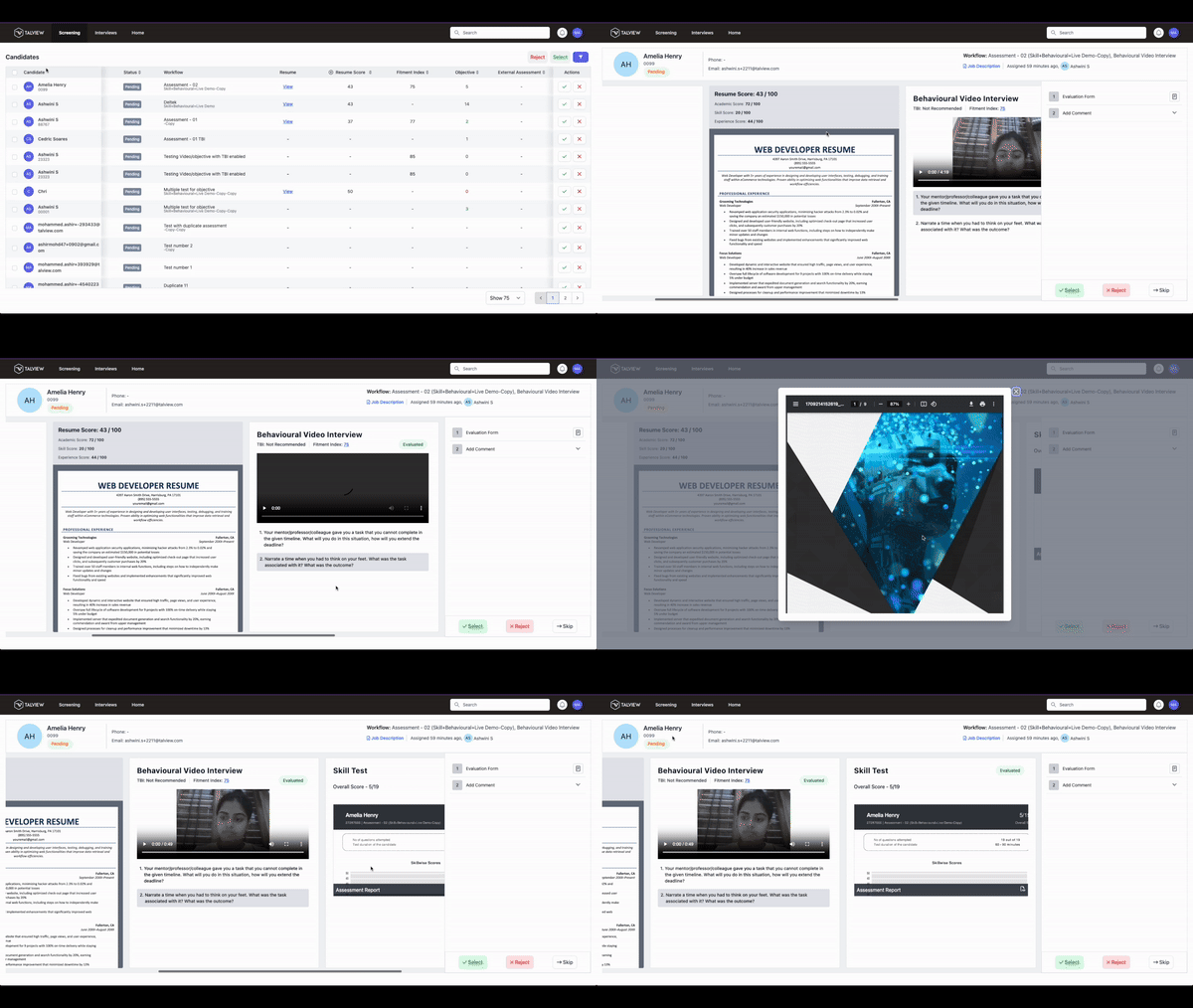
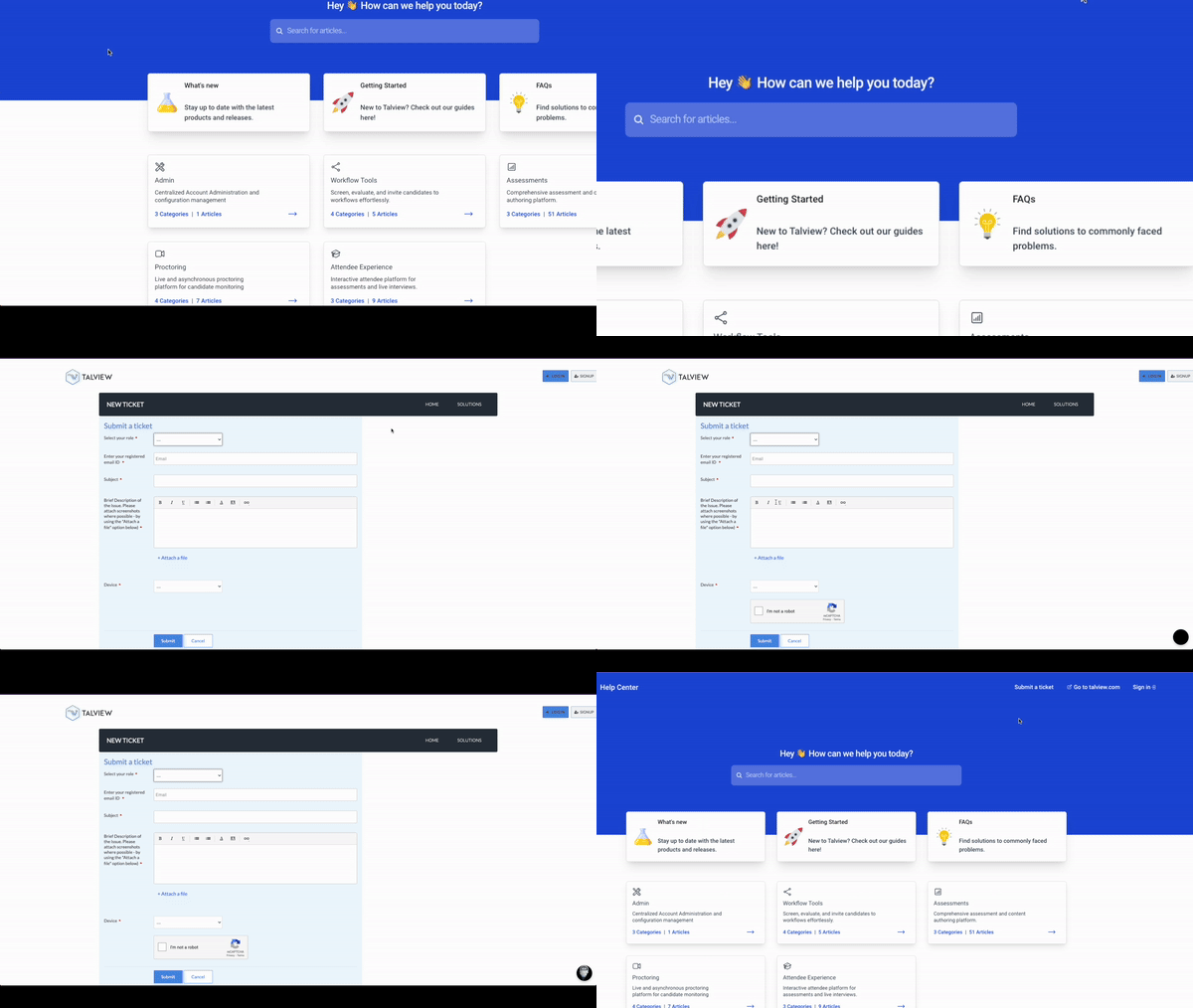
Interview rooms Updates
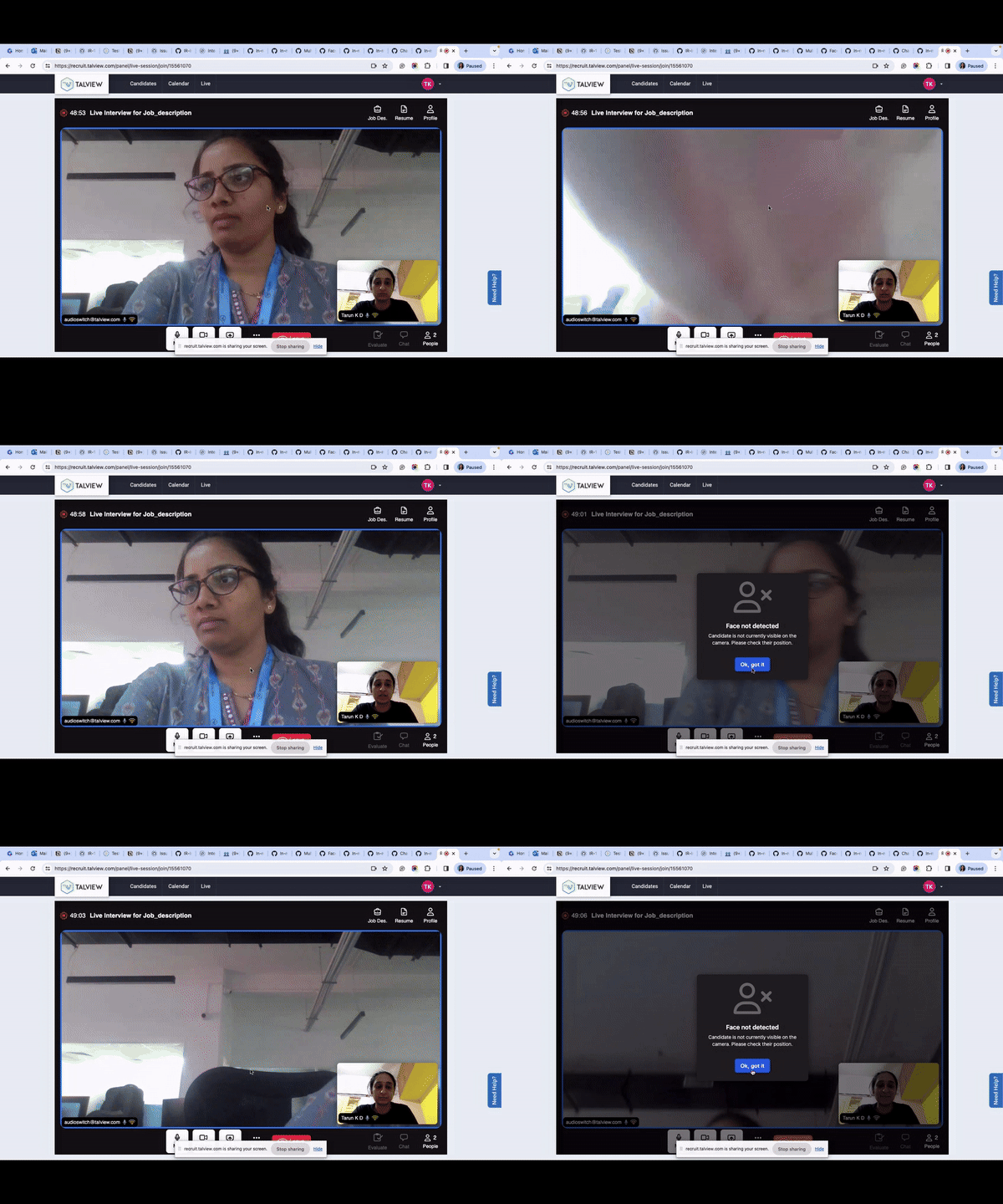
Candidate Face not Detection with real-time notification
-
Real-time alerts for interviewers for undetected faces of candidates enable smooth adjustments and uninterrupted participation.
-
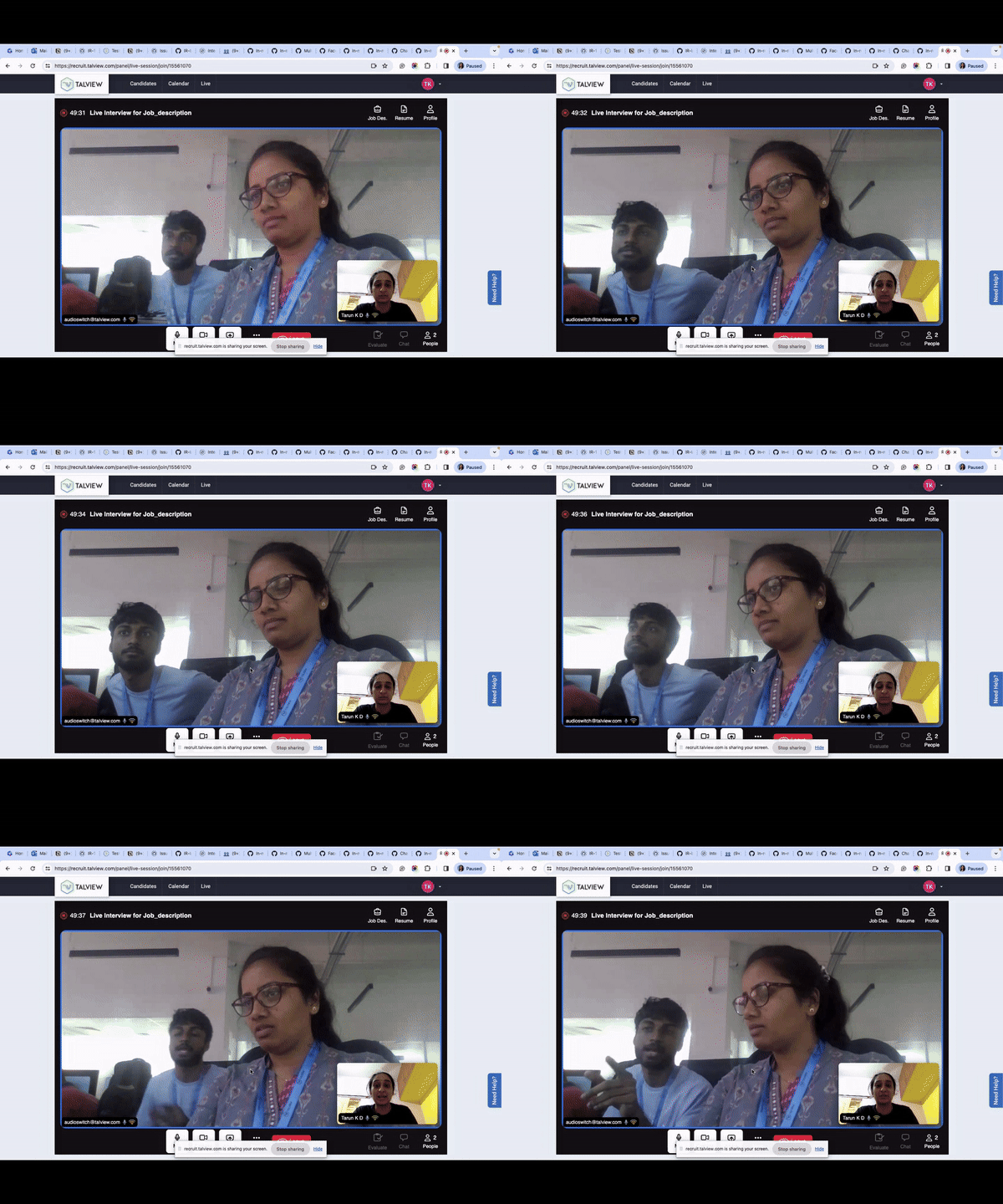
Immediate alerts for interviewers if extra faces on the candidate’s side ensure interview integrity and privacy.
-
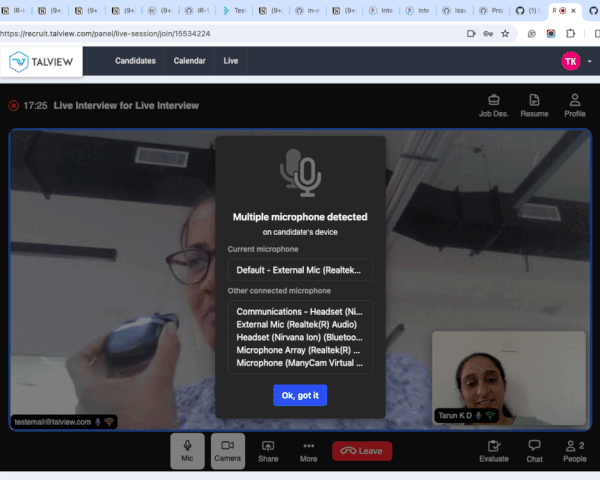
Interviewers will receive an alert when the system detects the use of multiple audio devices by a candidate.
-
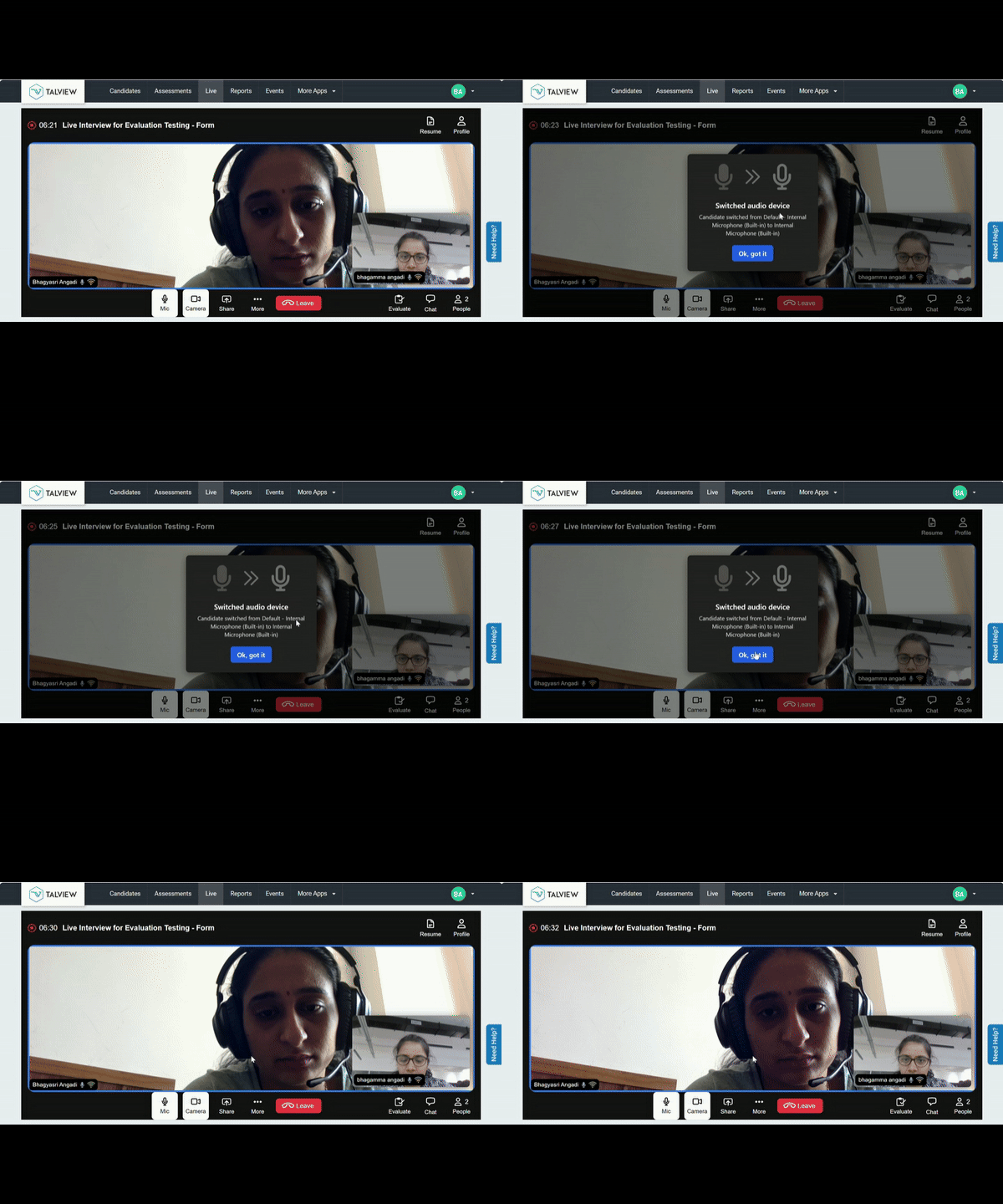
Real-time alerts notify interviewers of candidates’ audio device changes, enhancing authentication.
-
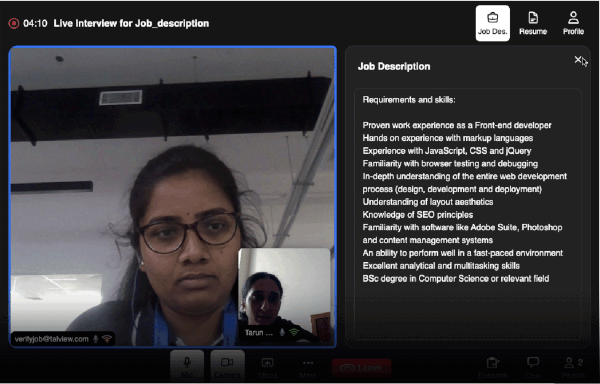
Interviewers now can refer to the job description in the Interview Rooms.
-
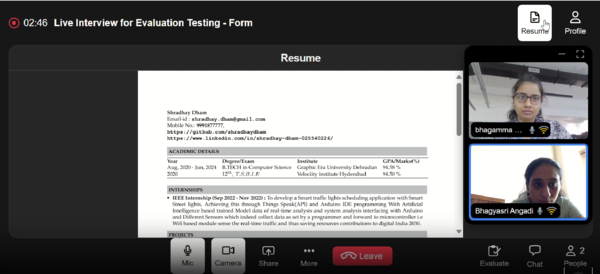
Full-screen Resume view – Interviewers now enjoy a full-screen resume view for improved referencing during interviews.
-
Enhanced messaging on the Candidate and Interviewer onboarding pages now addresses technical issues or voluntary departures by either participant.
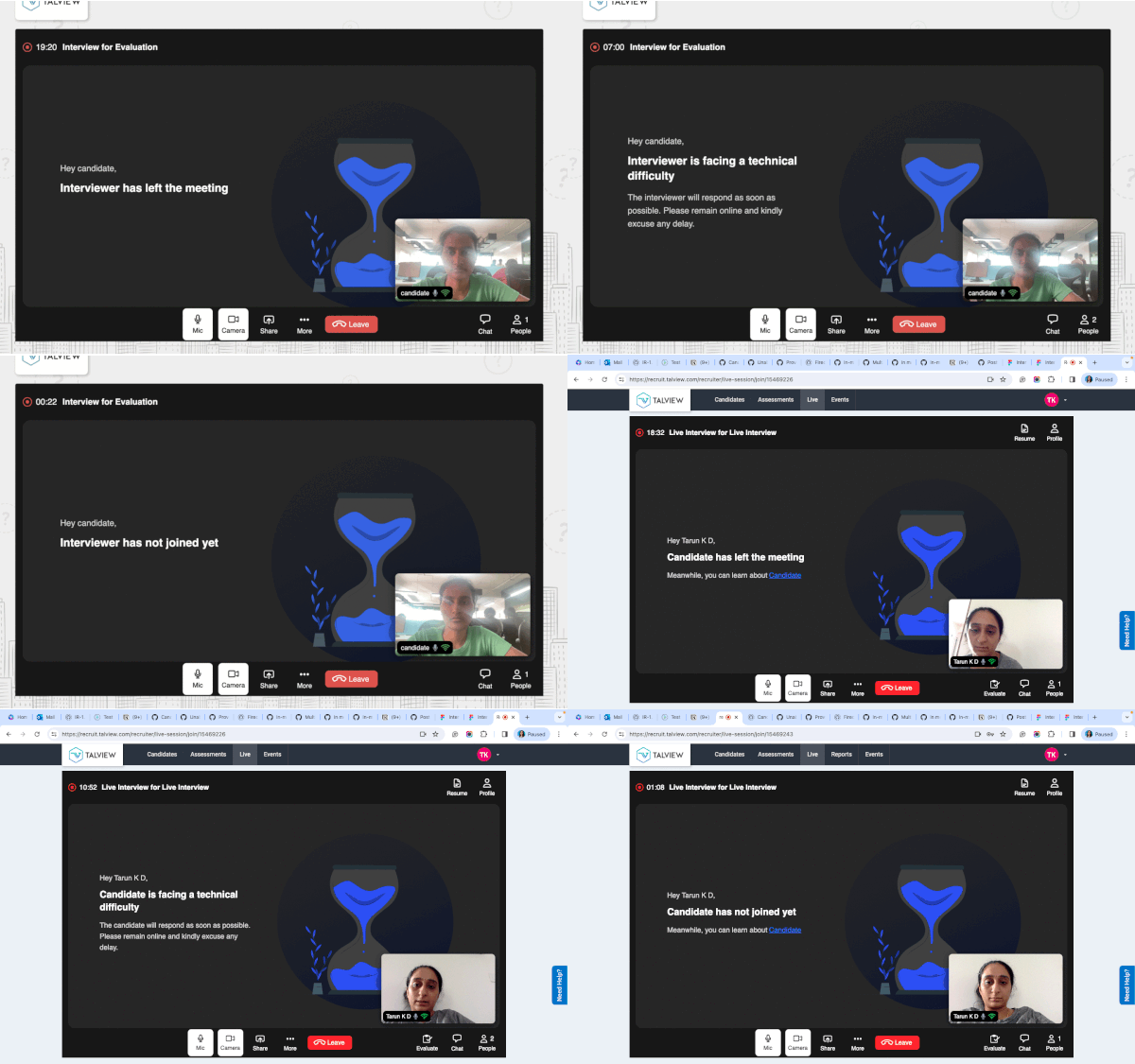
- Upon joining or exiting, the participant list will be updated in real-time.
- The speaker list is shown in the device settings for mobile view.
Proview (Proctoring) Updates
Proctor NG
Raising flags through Advanced AI
With this update, our Proctoring system now features automated monitoring that analyzes screen grabs and camera grabs in real-time. This ensures proctors can effectively identify and understand potential issues or irregularities during candidate proctoring sessions.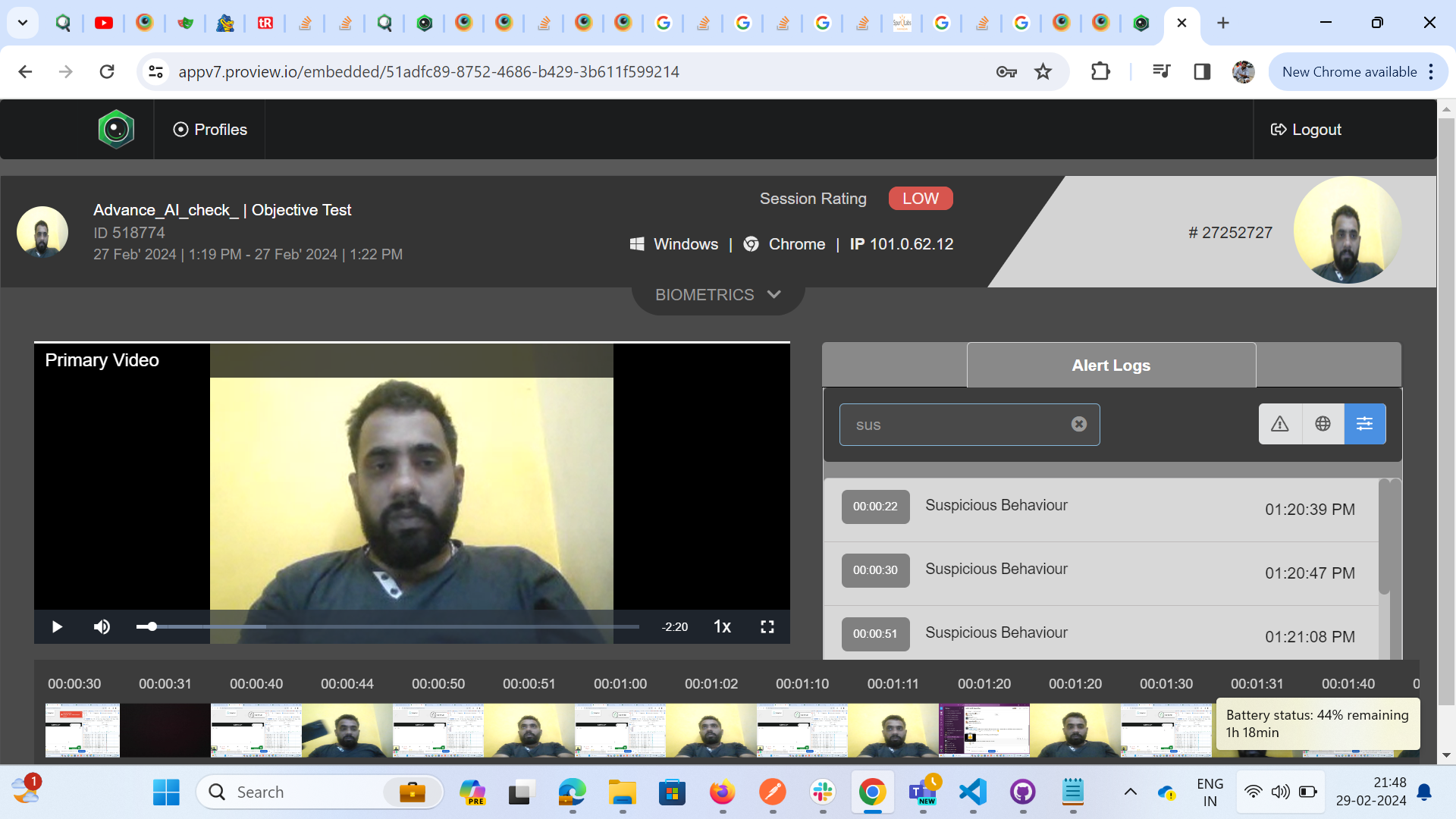
- Alerts are also triggering in the pre-checks.
- High number of false positives.
Enhanced Video Streaming: Start video streaming early
In our latest update, we’ve improved the video streaming functionality to capture crucial moments right from the start. Now, once hardware checks are completed, both screen grabs and primary camera videos are immediately recorded..png?fit=max&auto=format&n=ZFrMrh-5NgSG1f-a&q=85&s=b4d80c152c22b9ae19a7ed6cd625a013 "Screenshot(840) Pn")
.png?fit=max&auto=format&n=xeyiA9vnn7PUHG7B&q=85&s=53759c241911a6d2bcf473520ad73303)
Storing the confidence level for all AI flags
To enhance and improve AI flag capturing, our AI model will now show confidence levels for all AI flags. This helps in determining if any review is required of a certain flag and also supports further improvements of the AI flag detection system.Bug Fixes
- Sort candidates based on external ID
- Issue: The candidates were sorted with sequential numbers and were jumbled with every new candidate joining the live proctored session.
- Solution: Sorting the candidates based on external ID, which is fixed to each candidate, avoids jumbling the candidate order during the live proctored session.
- Layout alignment issues for post session video player
- Issue: UI issue in post session view layout.
- Solution: UI is fixed to align the designs.