Workflow Tools Enhancements
This month, we introduced targeted improvements to make workflow creation smoother and more aligned with each organization’s hiring process.1. Organization-Specific Workflow Templates
What’s new: Tenant Admins can now create and publish custom workflow templates using any combination of Screening, Assessment, and Interview steps, fully tailored to their organization’s hiring workflows. Why it matters: No more one-size-fits-all templates. Recruiters get workflows that match their internal processes, reducing manual edits and speeding up setup. How it works:- When enabled, org-specific templates are displayed.
- When disabled, default global templates continue to load as usual.
Payment Enhancements
1. Appointment reminder emails to candidates
What’s new: We have introduced an email notification to candidates to remind them of their upcoming booked appointment/slot. They will receive a notification 24 hours before the start time Why it matters: This will help us reduce the no-shows and reschedule requests by the candidates who booked an appointment months in advance. How it works:- If enabled for a drive, email will be triggered to the candidates who have a slot confirmed
- The email notification will be sent 24 hours before the slot start time
2. SMS Notifications for booking and payments
What’s new: We can now trigger SMS notification to candidates in the pay and book flow when they complete the payment with a link to select the slot Why it matters: Sending additional notifications for key steps in the flow helps ensure candidates are informed of the next expected step How it works:- If SMS are enabled for a drive and
- Candidate has provided their phone number
- When the candidate completes the payment, we will send an SMS notification apart from the email with link to select slot
Interview Rooms Enhancements
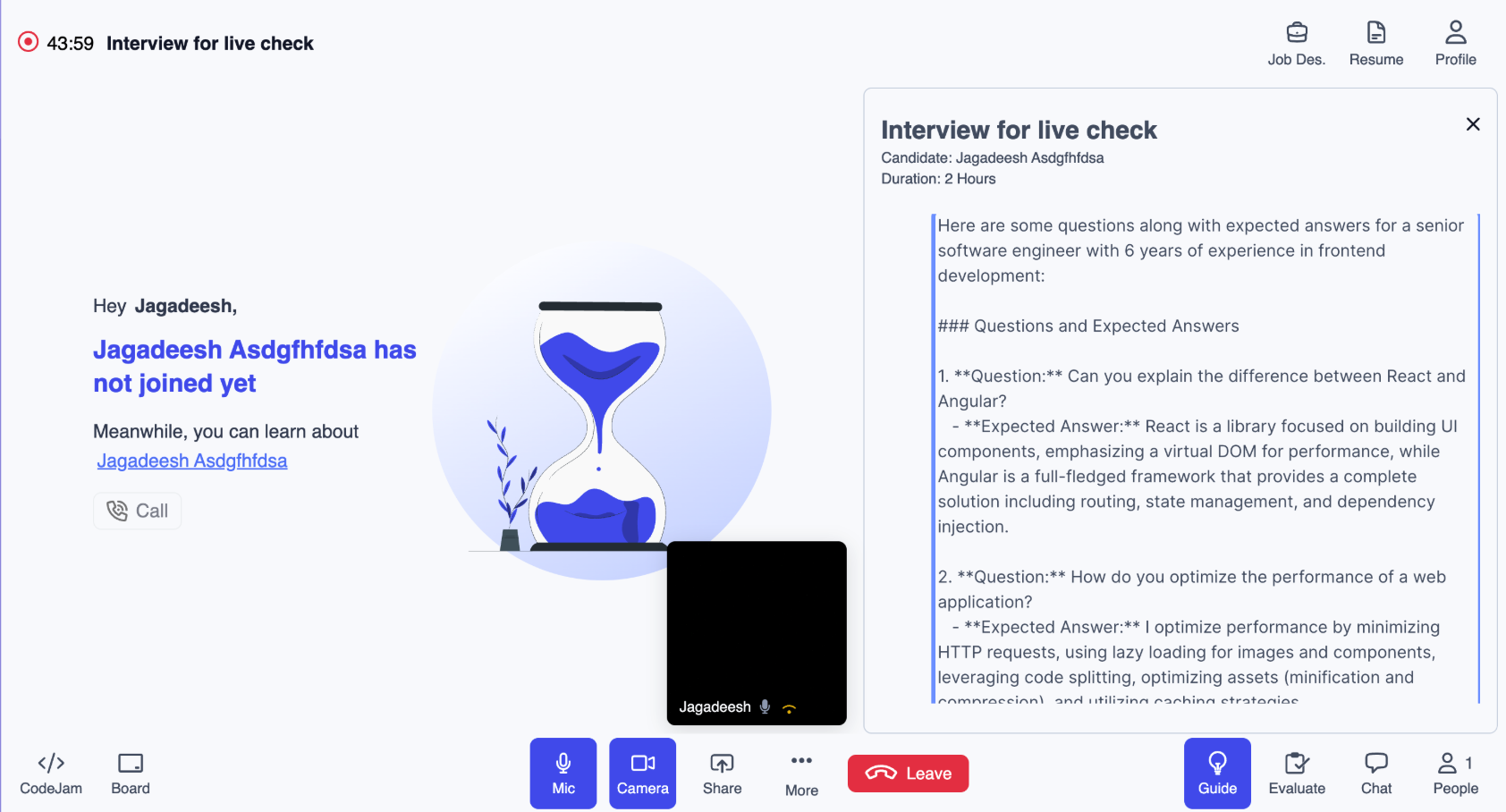
Display Captured Environment Check Images in Interview Insights
- Description: Shows the 360° Environment Scan images inside Interview Insights for quick post-session verification.
- Benefits:
- Improved Post-Session Verification
- Easy Access to Environment Evidence
- Strengthened Fraud Detection
- Enhanced Transparency for Reviewers
- Fixed an issue where the Interview Guide (AI-generated) would load even when the Job Description wasn’t updated.
- Fixed issues on auto-trigger 360° environment scan & secondary camera on candidate join
Proctoring Updates
Feature - Diagnostics for Blocklisted softwares in Secure Browser
Test takers can now launch the Secure Browser and test for any warnings on blocklisted apps before the actual test. During diagnostics, any blocklisted applications will be closed automatically. If an application cannot be closed, the test taker will see a message along with the diagnostics completion status to close the applications manually.💡 Changes
- Updated Blocklisted Application Handling Blocklisted applications are now closed as soon as the Secure Browser launches. After 1 minute, a restricted software pop-up appears for apps that couldn’t be killed. If a blocklisted app is opened after that point, no warning message will be displayed to the test taker.
- Applying blocklist for all customers We’re removing domain based blacklist and applying blacklist for all customers.
🐞Bug Fixes
- WhatsApp removed from blocklist WhatsApp was triggering an incorrect blocklisted application open error even when not running. To fix this, it has been temporarily excluded from the blocklist.
- Network throttling updates Network throttling on Windows Secure Browser has been significantly improved. Test takers should now experience network speeds closer to what they see on regular browsers.
- Windows store app blocklisting handling Windows Store applications were not being terminated earlier, causing repeated warning pop-ups. This has now been resolved.
- Refresh pop up coming multiple times on click of stay/ leave
- Double tap on video player to maximize/minimize video is causing SB to minimize
Integrations [V7+]
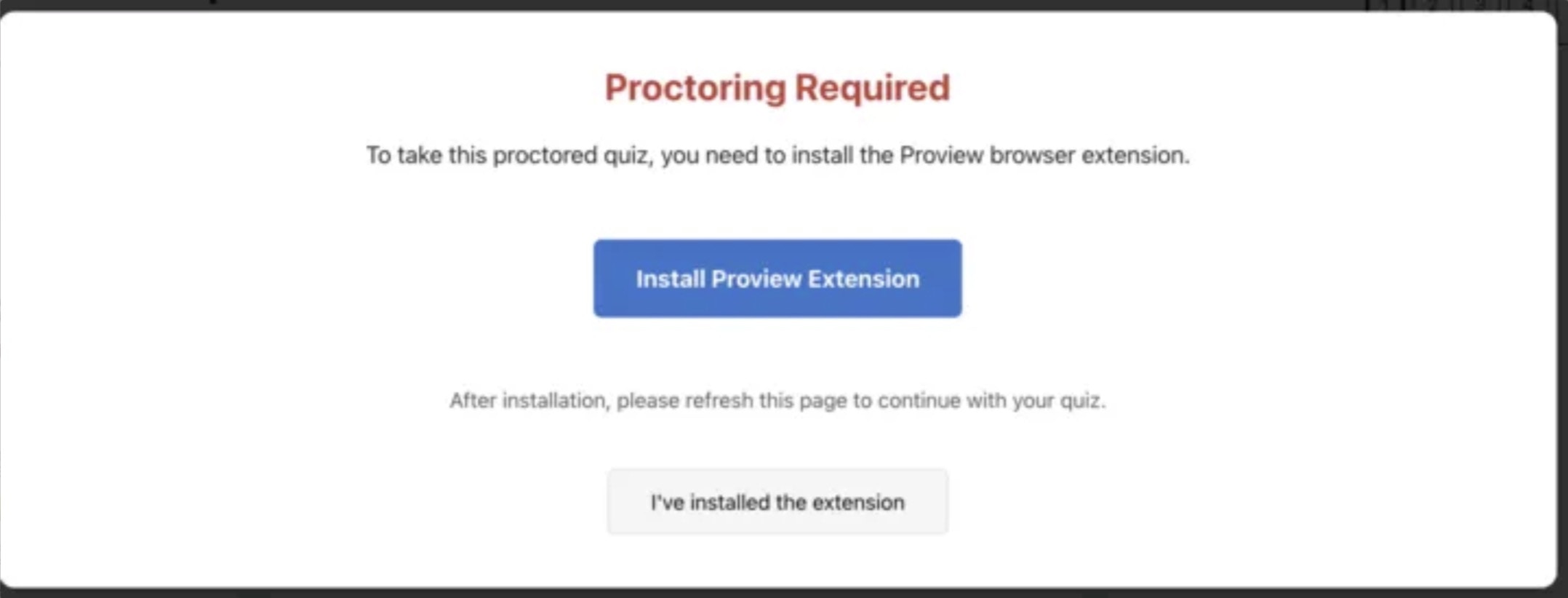
⚡The following enhancements are available with the new version of proview browser extension (1.5.2)💡Enhancements
- Moodle 4.5 LMS | Notifying students about successful password injection Upon accessing a proctored quiz, the browser extension handles injecting the password into the field. Now, when students click on the Attempt quiz button, a modal appears - notifying the student about successful password injection. Clicking the Start attempt button will initiate proctoring pre checks.
- Moodle 4.5 LMS | Ending proctoring upon clicking “Submit all & finish” Proctoring sessions in Moodle 4.5 now end automatically when students click “Submit All and Finish.” With this update, all proctoring types (AI, R&R, Live) close immediately after quiz submission, ensuring improved student experience.
-
Moodle 4.5 LMS | Redirecting student to SB completion page
Suppose a student is taking a non proctored quiz in secure browser, then upon quiz submission and clicking finish review - the student will be directed to the following page.

- Moodle 4.5 LMS | Removed 48 hour restriction for live proctoring + bulk scheduling Instructors are now allowed to configure Live Proctoring with Bulk Scheduling without the mandatory 48-hour advance window. When Bulk Scheduling is selected, the Save button remains enabled regardless of how soon the quiz begins. The 48-hour validation continues to apply for Self and Drive scheduling types.
- Moodle 4.5 LMS | Removed time limit validation for live proctoring + bulk scheduling The formerly mandatory Time Limit field is no longer required for Bulk Scheduling scenarios, and instructors can save proctoring settings without specifying a duration. The Time Limit requirement continues to apply for Self and Drive scheduling types.
Bug Fixes
- Moodle 4.5 LMS | Resolved post-review looping issue in Secure Browser. After completing and reviewing a quiz launched in Secure Browser without proctoring configured, students will now be redirected to the course page instead of being redirected back into the same quiz.
- Incorrect message shown upon accessing an expired proview wrapper link Previously, when one would access an expired proview wrapper link, an incorrect error message would appear, stating: “Invalid verification code”. This has now been updated to notify the status of the wrapper link correctly.
.png?fit=max&auto=format&n=_nbjhoGaeEChGGW0&q=85&s=07321212798b1a68c43c108aa0834812)