

During a Live Interviews, interviewers are notified in real time if a candidate switches their camera device mid-session. This notification ensures transparency and helps maintain interview integrity. This article explains how evaluators are notified when a candidate switches their camera device and what actions to take.

How is the Evaluator notified?
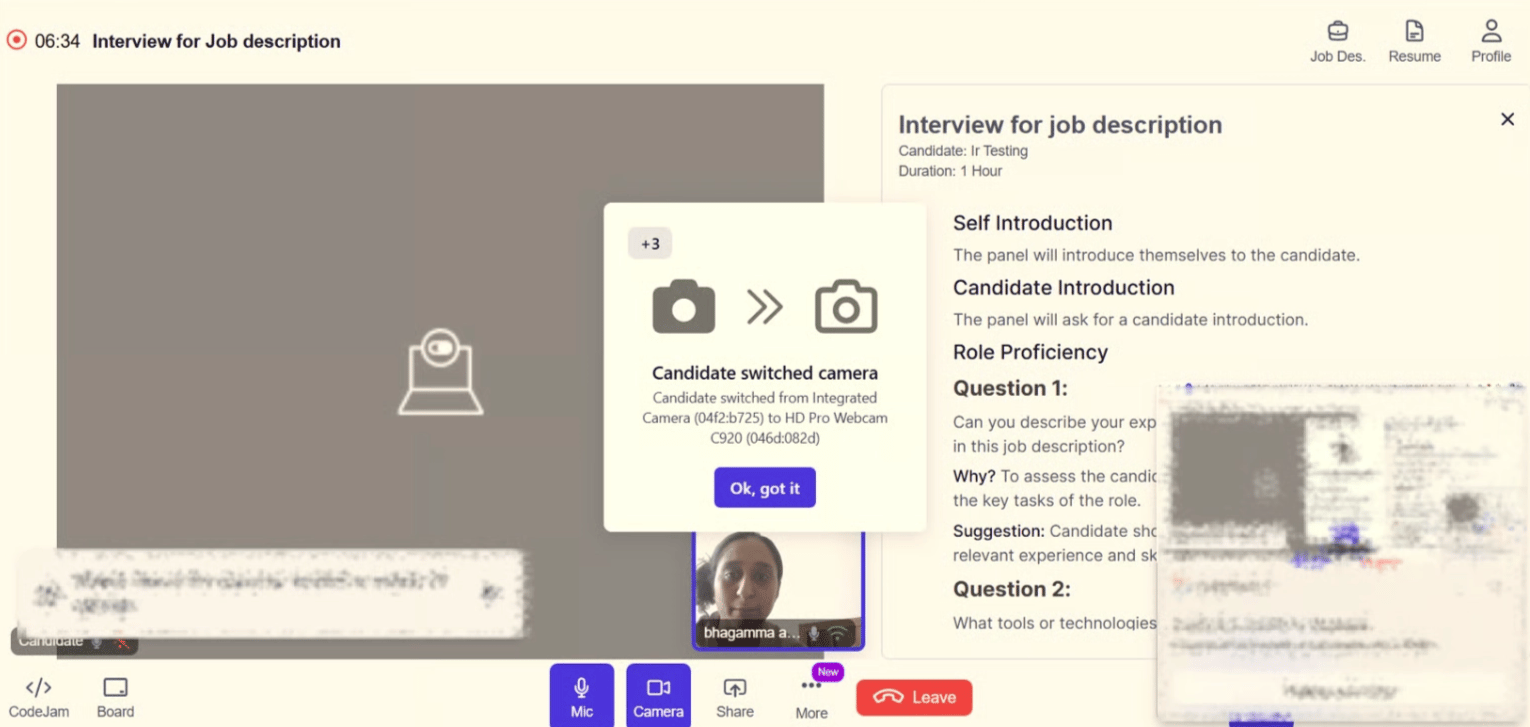
Image When a candidate changes their camera input device during a Live Interview session, the system displays an on-screen pop-up alert. The notification:
  • Appears prominently during the Live Interview session.
  • Clearly indicates that the candidate has switched their camera device.
  • May display details such as:
    • The previous camera device
    • The newly selected camera device
  • Includes an acknowledgment button such as “Ok, got it” to proceed.
This ensures that the evaluators are immediately informed of any changes to the candidate’s video configuration.
Note: The notification is informational and designed to maintain transparency and interview integrity. It does not automatically pause or terminate the session.
Best Practices
  • Encourage candidates to finalize their setup before the interview begins.
  • Avoid frequent interruptions unless the switch impacts video clarity or integrity.