

How is the Evaluator notified?
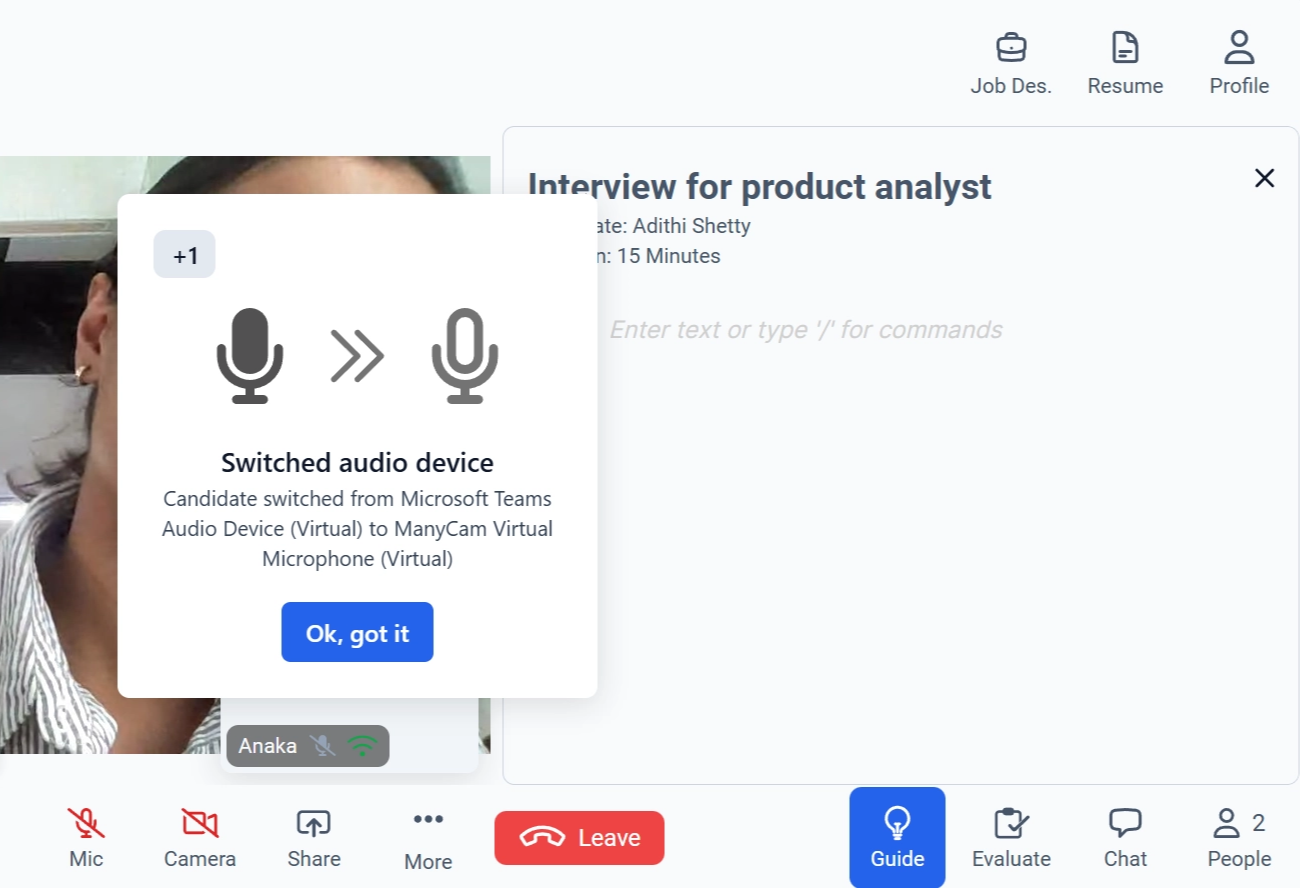
- Appears prominently during the Live Interview session.
- Clearly indicates that the candidate has switched their audio device.
- May display details such as:
- The previous audio device
- The newly selected audio device
- Includes an acknowledgment button such as “Ok, got it” to proceed.
Note: The notification is informational and designed to maintain transparency and interview integrity. It does not automatically pause or terminate the session.
Best Practices
- Ensure the new audio device provides clear and stable sound quality.
- If your organization has strict compliance requirements, verify that the change aligns with interview guidelines.
- Continue the interview once audio quality is confirmed.