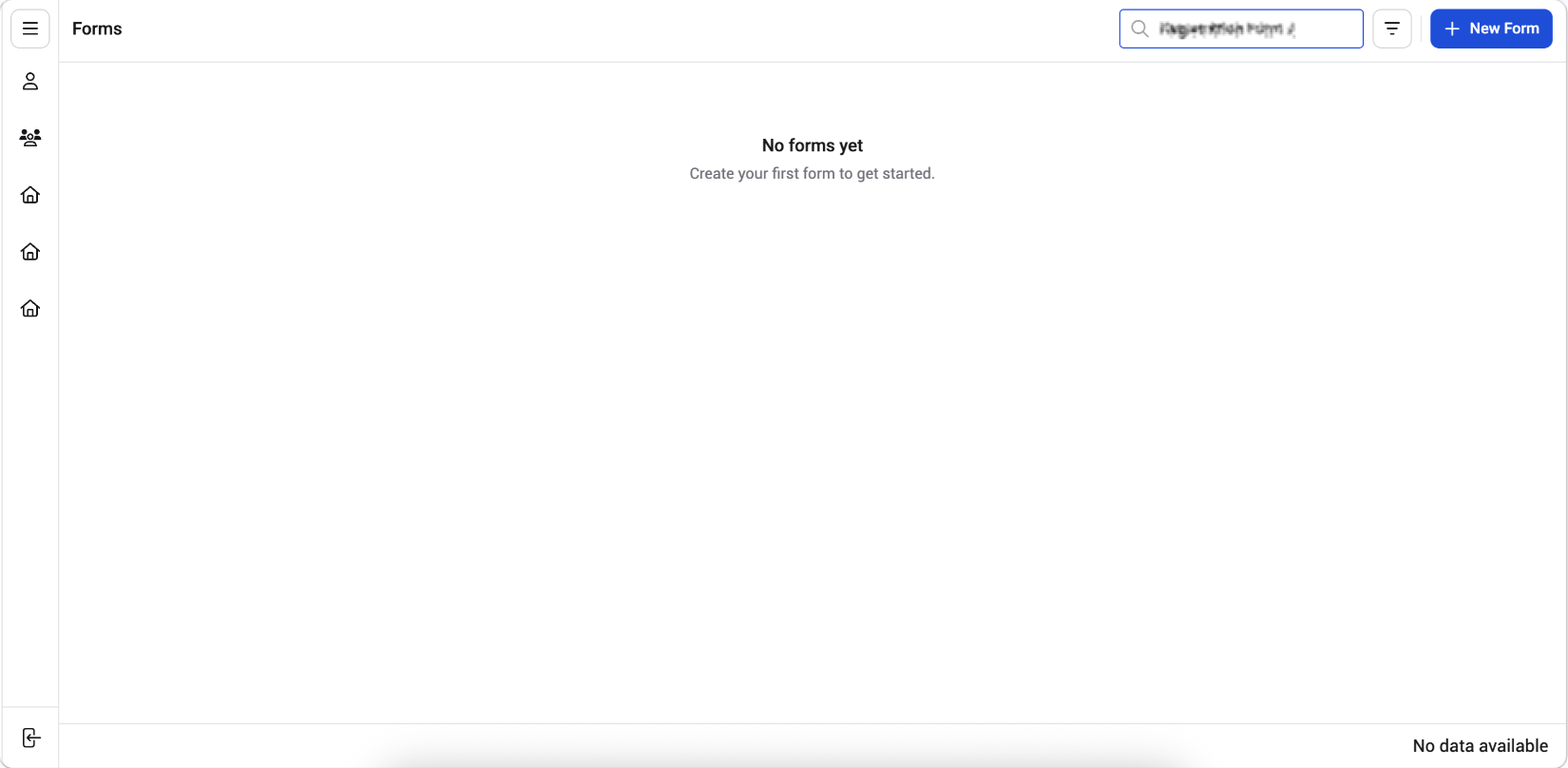
When your Forms list grows, you can use the search bar to quickly find a specific form instead of scrolling through the table. In this article, you’ll learn how to search for a form by its name or form ID.
1. Click the Search barAt the top right of the Forms list, click the Search bar.2. Type your search termEnter the form name or form ID (for example, “Registration Form” or “FORM-677”). The list narrows down in real-time as you type, showing only the forms that match your search term.3. View the resultsThe table updates to display only the matching forms. If no forms match your search term, the page displays a “No forms yet” message.
Note: To clear the search and return to the full list, remove the text from the search bar.
Additional TipsYou can also find a form by scrolling through the Forms list and using the pagination controls at the bottom of the table.
Was this page helpful?
Assistant
Responses are generated using AI and may contain mistakes.