

How is the Evaluator notified?
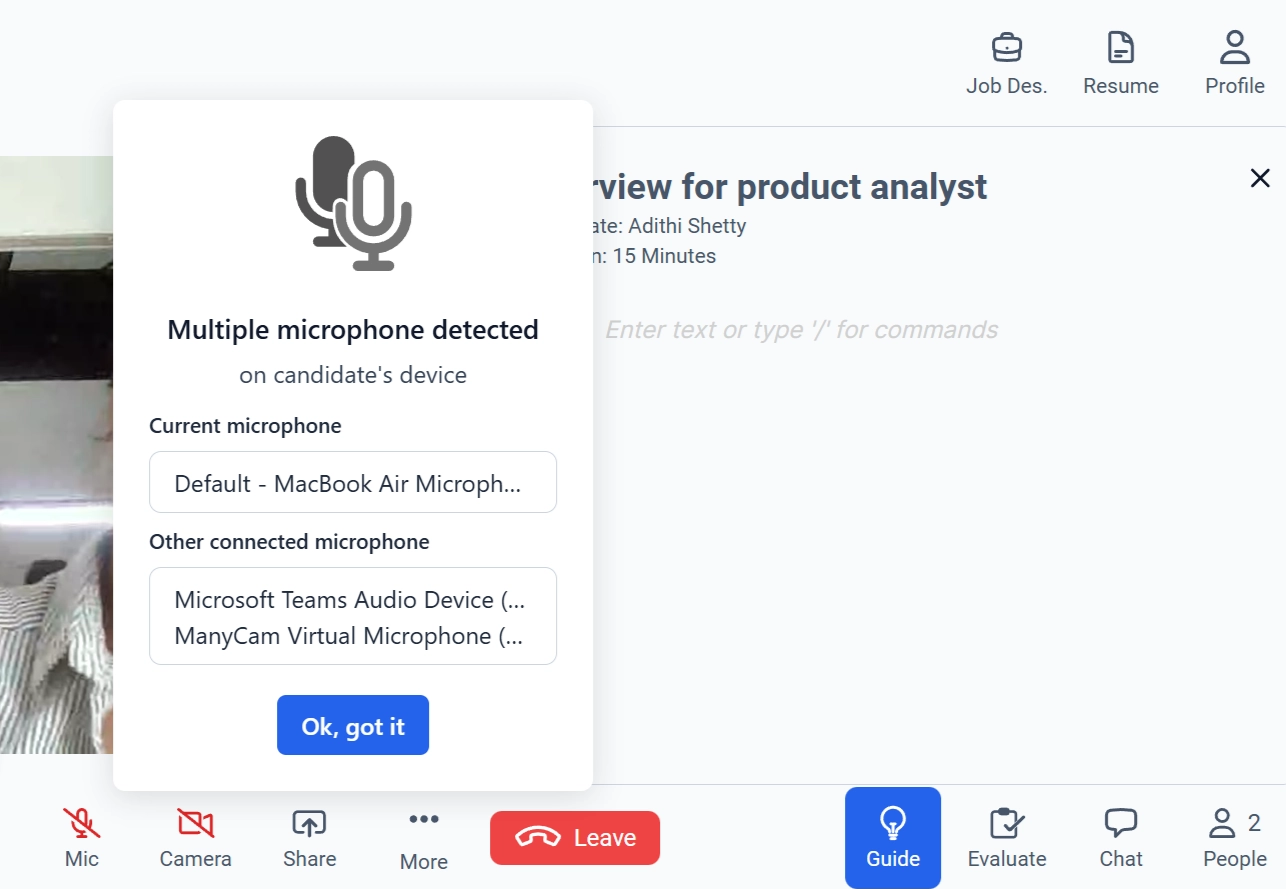
- A pop-up alert appears inside the Live Interview screen.
- The alert states: “Multiple microphone detected on candidate’s device.”
-
It displays:
- The current microphone in use
- Other connected microphone devices
Note: The Live Interview continues uninterrupted. The notification does not automatically pause or terminate the session. It is a monitoring alert, not a blocking error.
Best Practices
To maintain a secure and fair interview environment:- Review the microphone list when the alert appears.
- Ensure only necessary audio devices are active.
- Follow your organization’s standard interview integrity policy.