

How Step-Level Status Filters Work
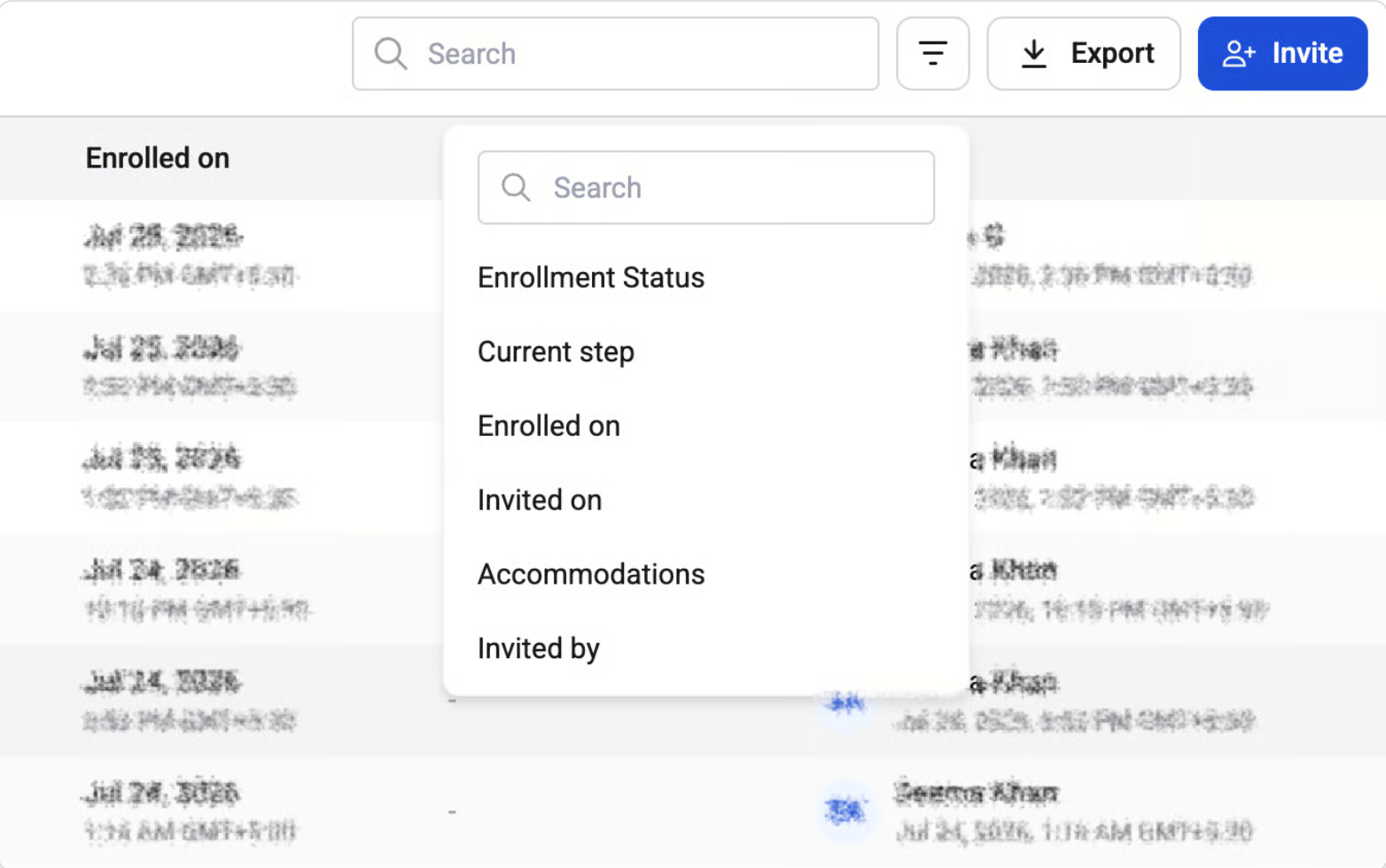
- In the All view, recruiters can open Filters and select a specific workflow step.
- Once a step is selected, the system displays only the statuses applicable to that step.
- Recruiters can select one or more statuses and apply the filter to view matching candidates.
Step-wise Status Definitions
1. Resume Screening / Assessment Steps
For steps such as Resume Screening or Technical Assessment, the following statuses may be available:- Invited – Candidate has been invited to the step but has not started yet
- In progress – Candidate has started the assessment or screening process
- Completed – Candidate has completed the step
- Evaluated – Candidate’s submission has been evaluated
- Yet to evaluate – Candidate has completed the step but evaluation is pending
- Selected – Candidate has been selected at this step
- Hold – Candidate is temporarily on hold
- Suspended – Candidate is suspended from the process
- Turned down – Candidate has been rejected at this step
2. Interview Steps (Technical Interview / HR Interview etc.)
For interview-based steps, the statuses are aligned to interview scheduling and attendance:- Scheduled – Interview has been scheduled
- Cancelled – Interview was cancelled
- Draft – Candidate is invited to book their interview slots
- In progress – Interview is currently ongoing
- Completed – Interview has been completed
- No show – Candidate did not attend the interview