

Step-by-step guide
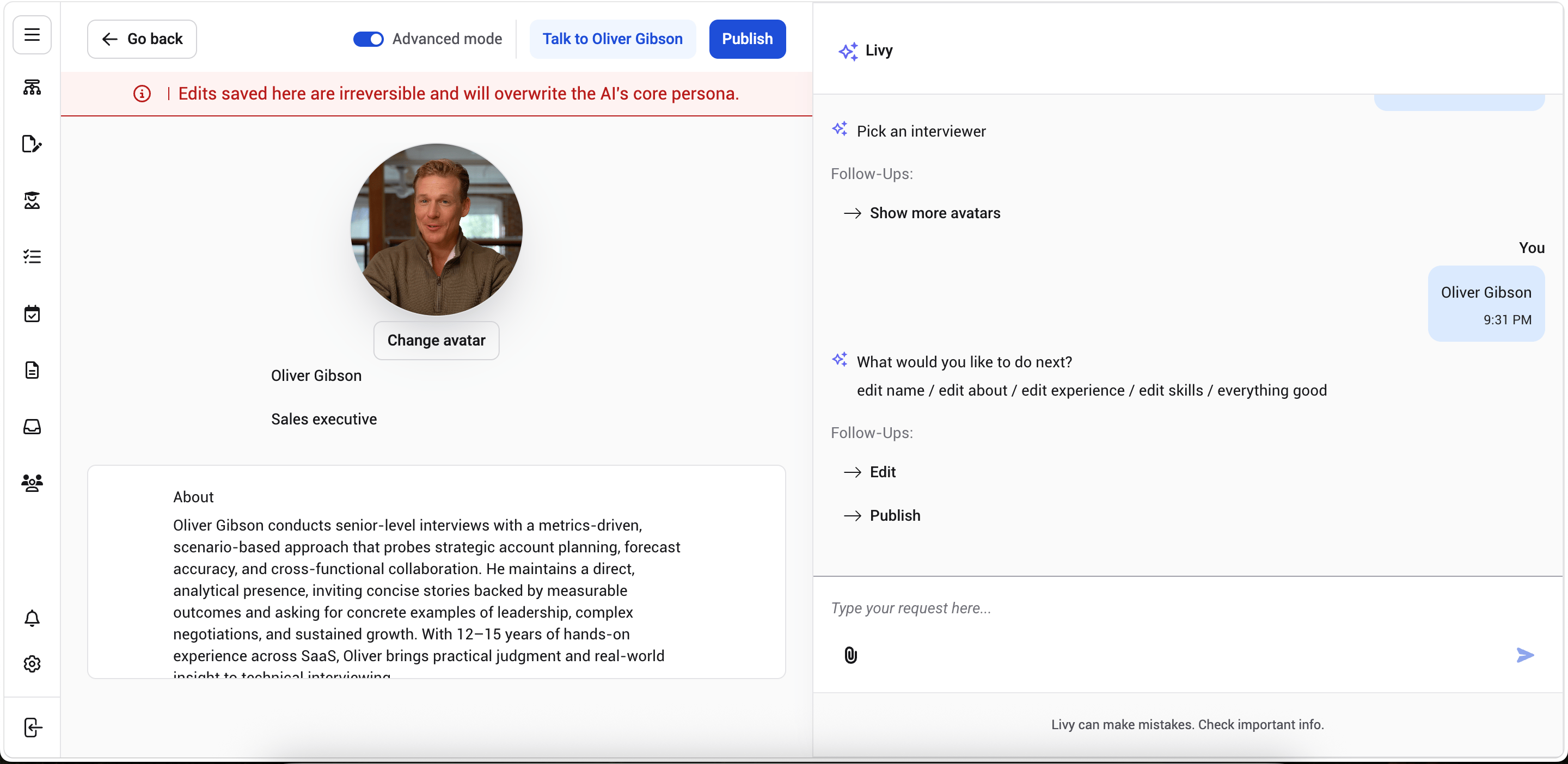
- In the chat panel on the right side of the screen, select the section you want to update, such as Edit About Section, Update Experience, or Modify Expertise Tags.
- Respond to Ivy’s follow-up question. For example, if you select Edit About Section, Ivy may ask, “What would you like to change in the About section?”
- Type or dictate the change you want, such as “Make it more concise” or “Add leadership experience.”
- Ivy updates the corresponding section on the avatar profile and confirms the update in the chat panel, for example, “I’ve updated the About section.”