

Before you begin
- You must be logged in as a Master Content Manager or Content Manager to access the Ivy Avatar Builder.
- The Ivy Avatar Builder does not yet have an entry point in the sidebar navigation. You will need the direct URL to access it.
Step-by-step guide
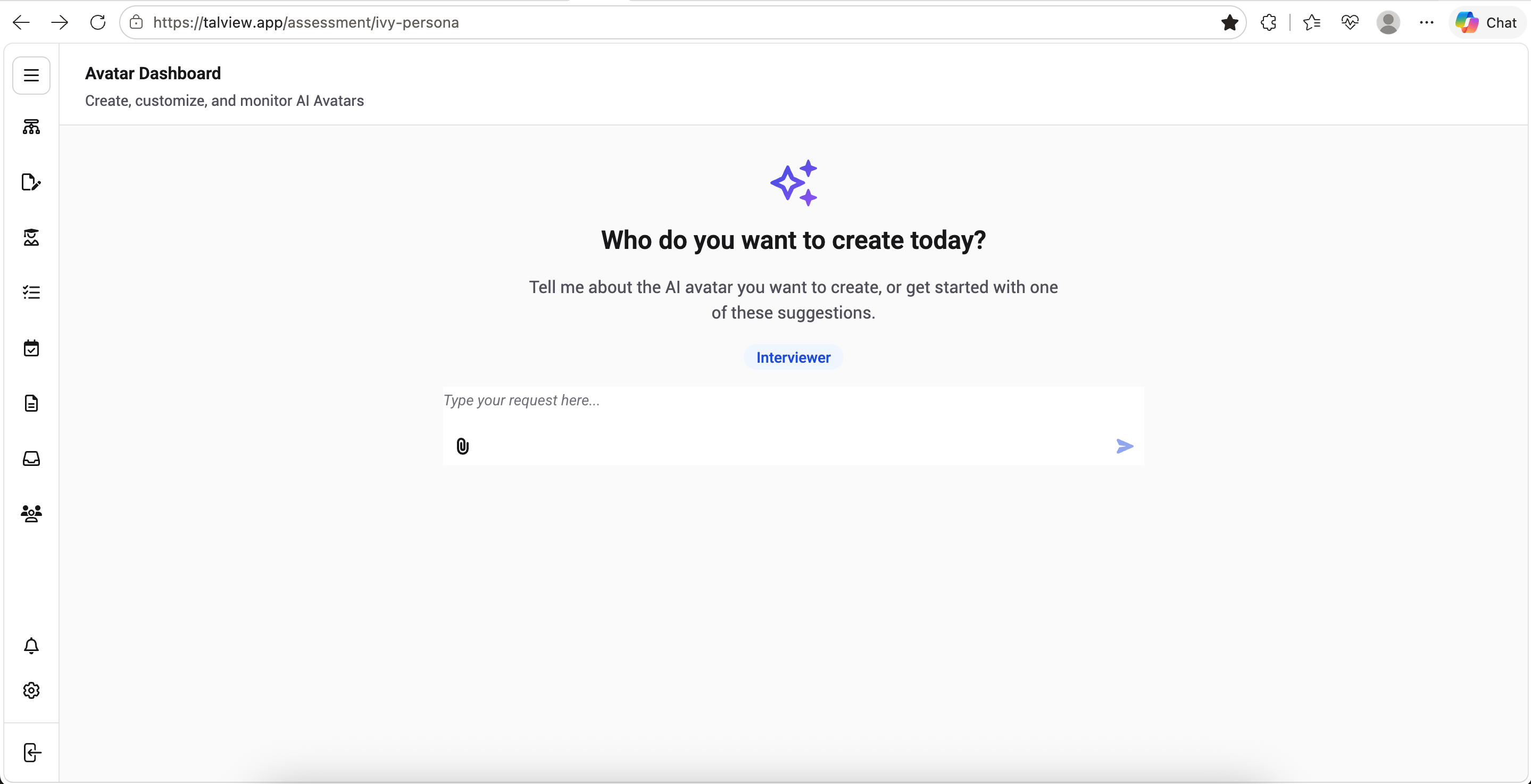
- Go to https://talview.app/assessment/ivy-persona.
- You will land on the Ivy Avatar Builder dashboard, referred to as the Avatar Dashboard.
- If you have published avatars already, they will appear listed below the input box on the dashboard.
- From here, you can begin creating a new avatar or continue working with an existing one.