

GIF guide
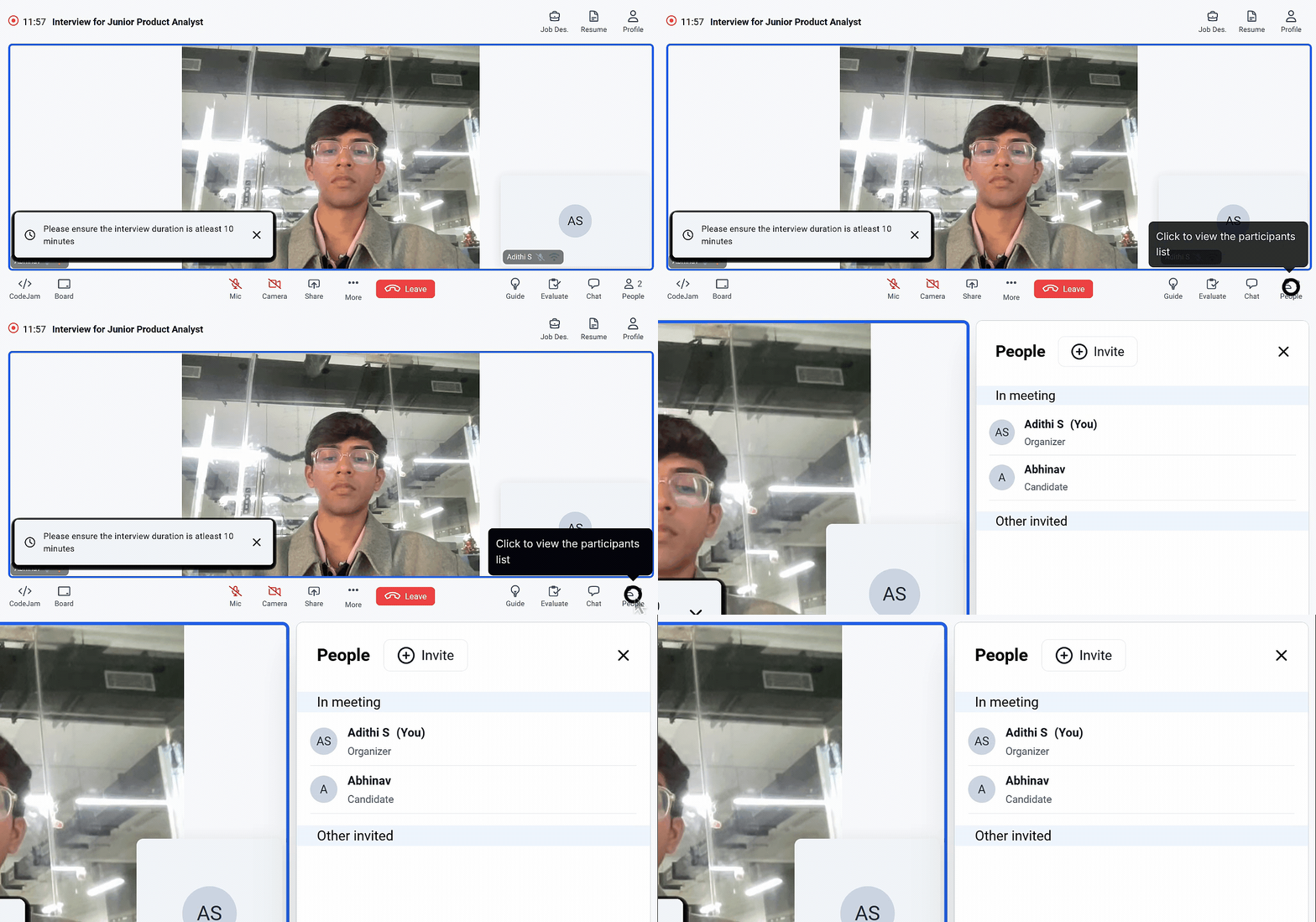
1. Access the People panel
- On the Interview Room screen, locate the People icon at the bottom-right corner.
- Click on People to open the participants panel on the right side of the screen.
2. View participants in the interview
- After opening the People panel, check the In meeting section to see the names and the roles of everyone currently present in the interview (for example, organizer/interviewer and candidate).
- If others were invited but are not yet joined, they may appear under a separate section (such as “Other invited”) so you can confirm who is expected to join versus who is already in the room.