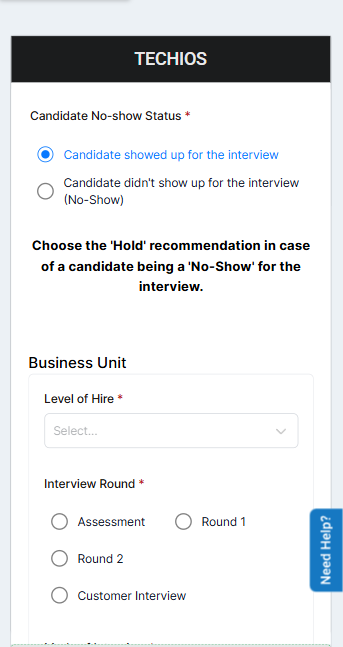
This document provides an overview of all available features in the Talview Form Builder, covering input types, formatting options, field configuration, and layout controls.
1. Input Collection Features
These are the core building blocks for capturing information from your users.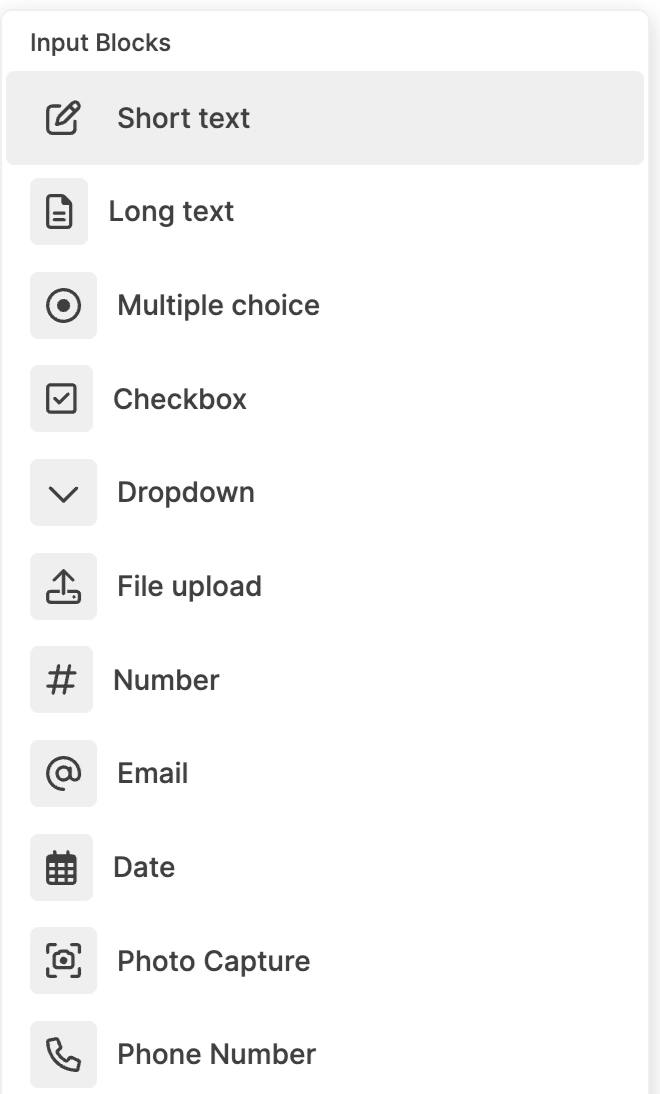
2. Content & Formatting Features
Use these blocks to add context, instructions, and structure to your form content.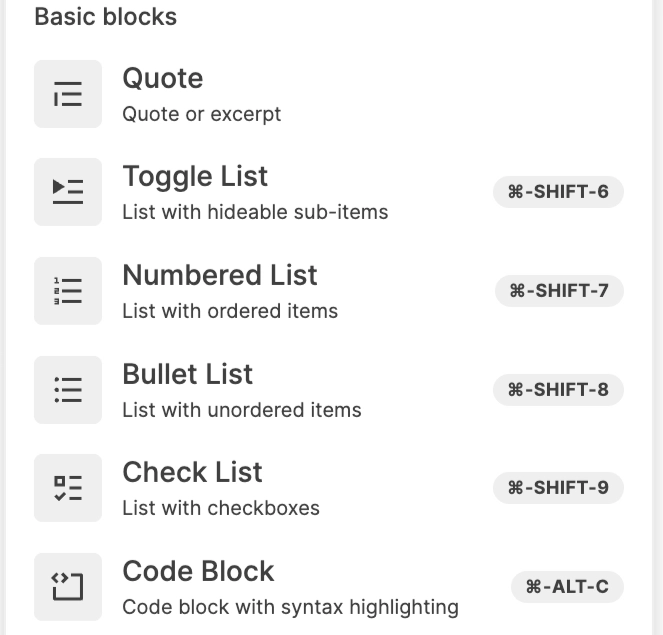
3. Hierarchical Structuring Features
Organise your form into clear, collapsible sections using heading-based toggles.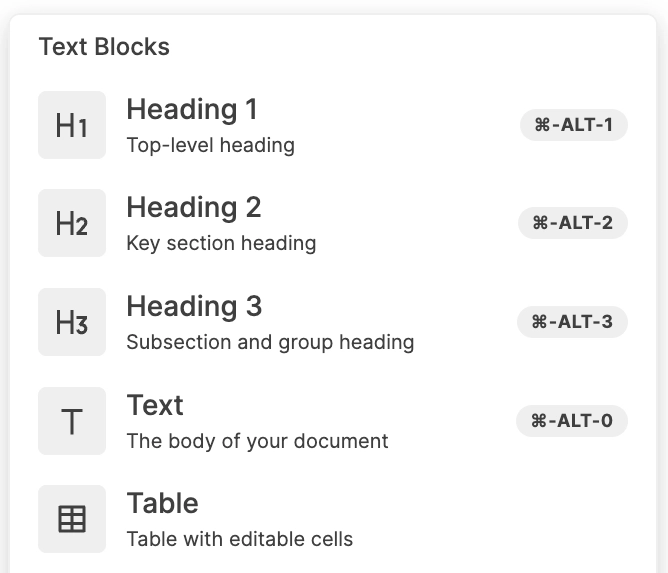
4. Media Embedding Features
Enrich your forms with visual and video content to guide users effectively.
5. Structural Grouping Features
Logically group related fields together to improve form flow and readability.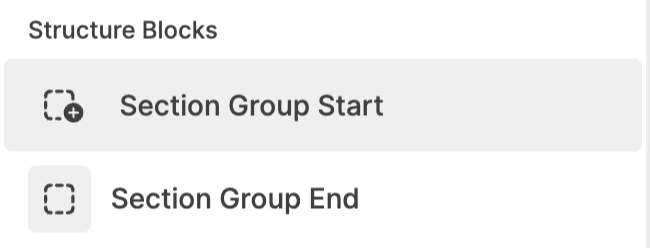
6. Advanced Features
Take your forms further with intelligent, dynamic behaviour.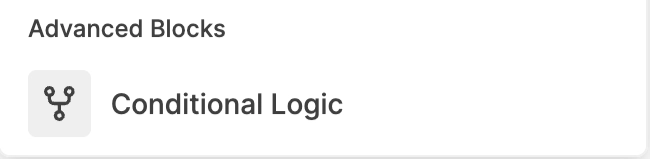
7. Field Configuration Features
Fine-tune how each field behaves, appears, and validates input.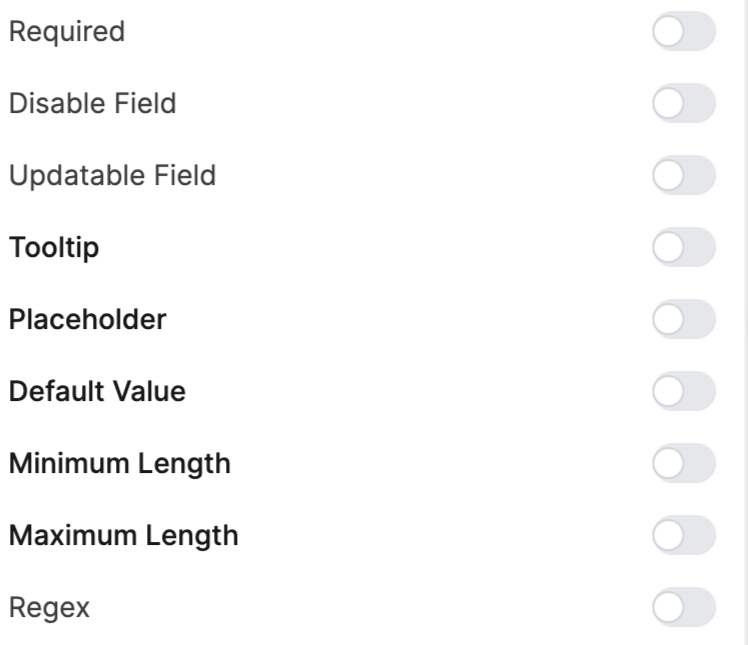
8. Layout & Design Features
Control the visual arrangement and management of fields within your form.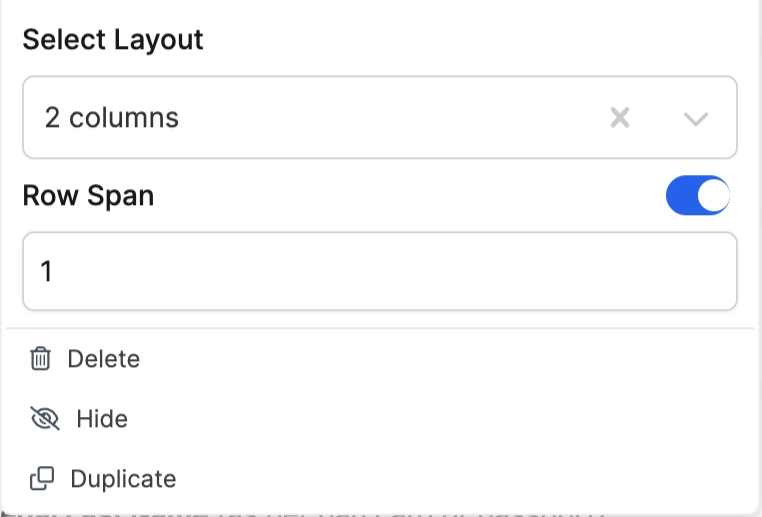
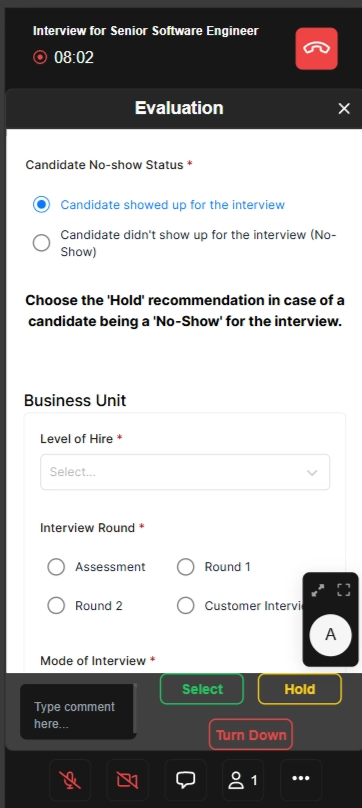
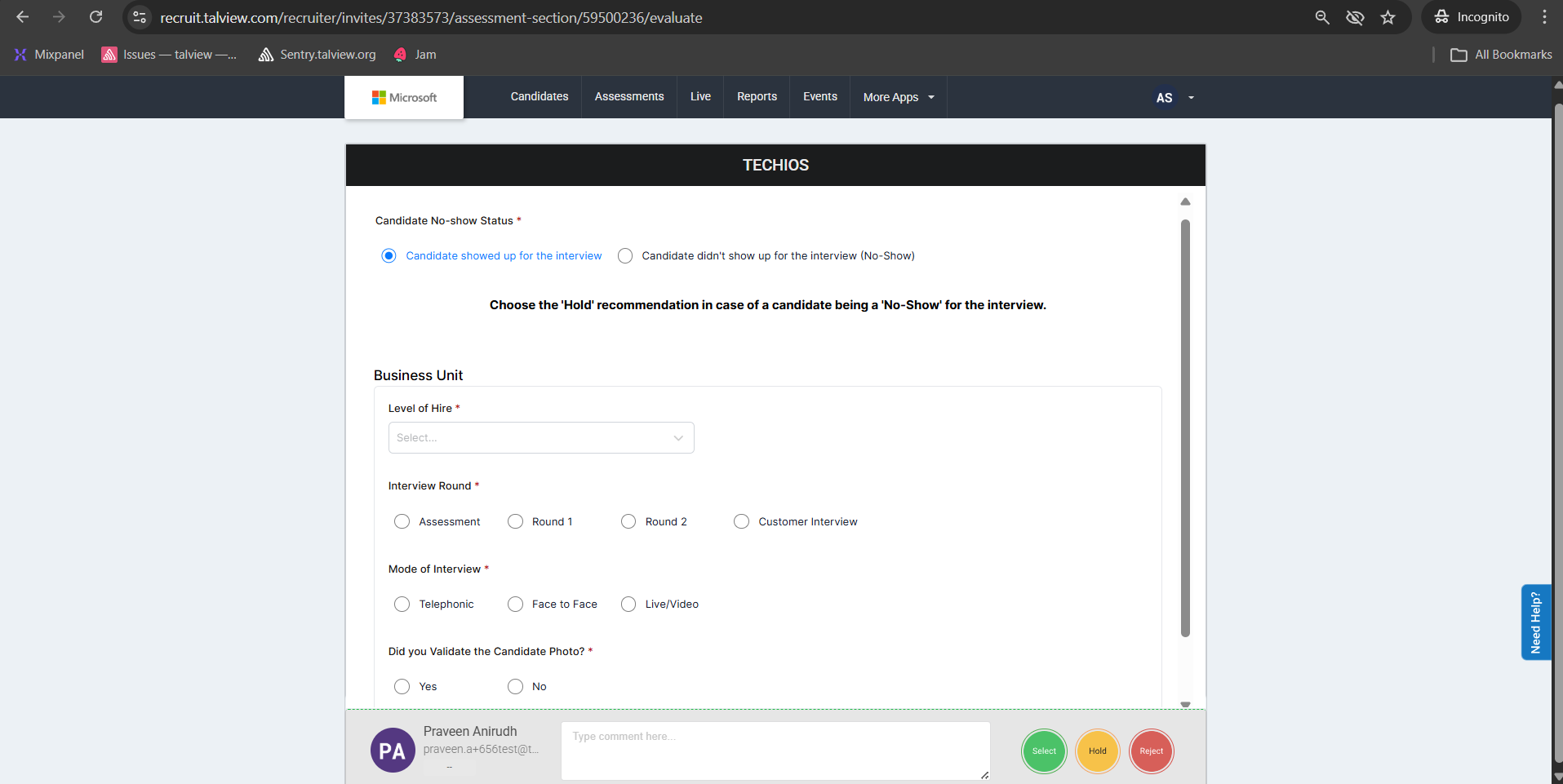
Form embedded in different applications
1. Candidate form on the CX application (Web)
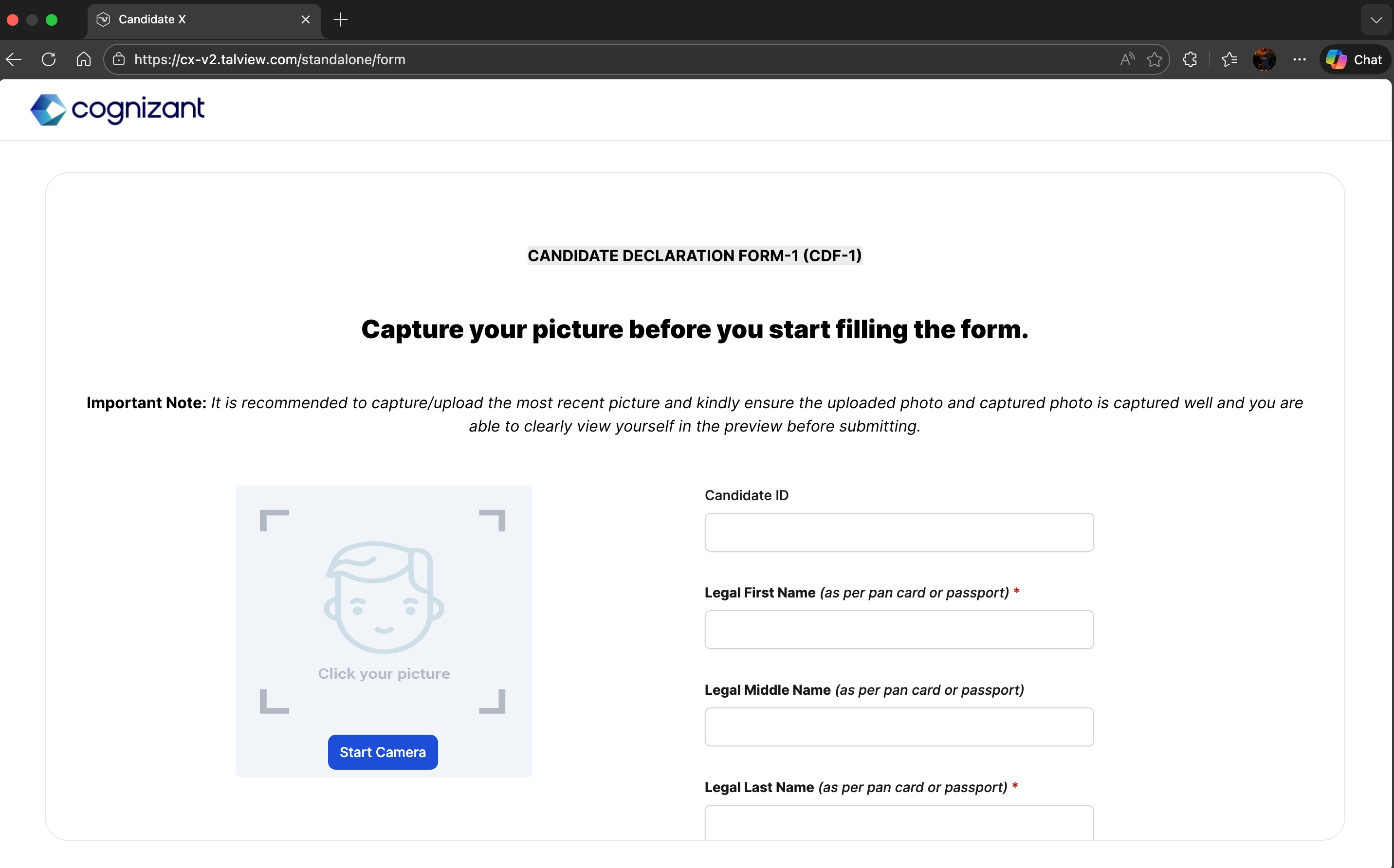
2. Candidate form on CX application (Mobile view)
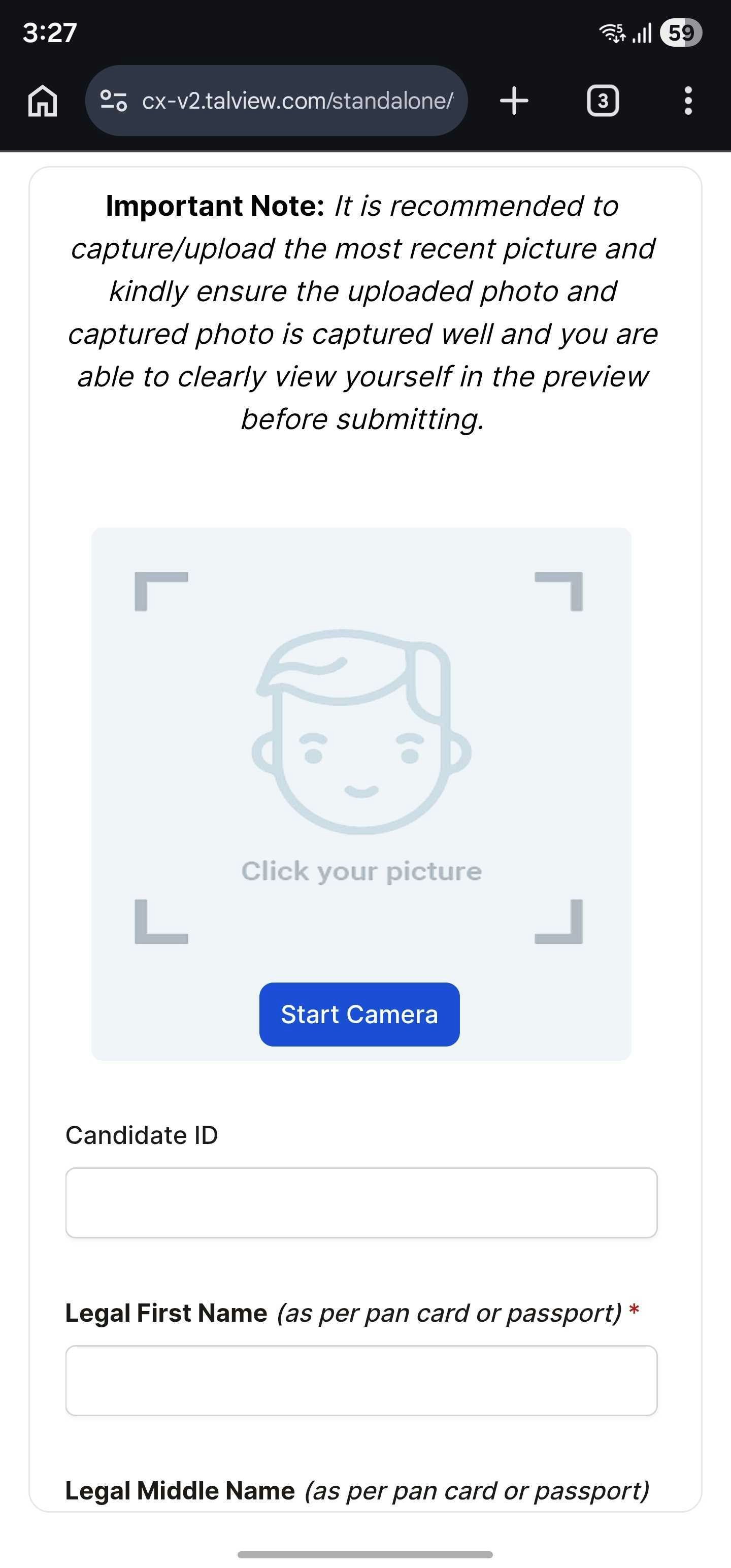
3. Candidate form on the attend-ng application (Web)
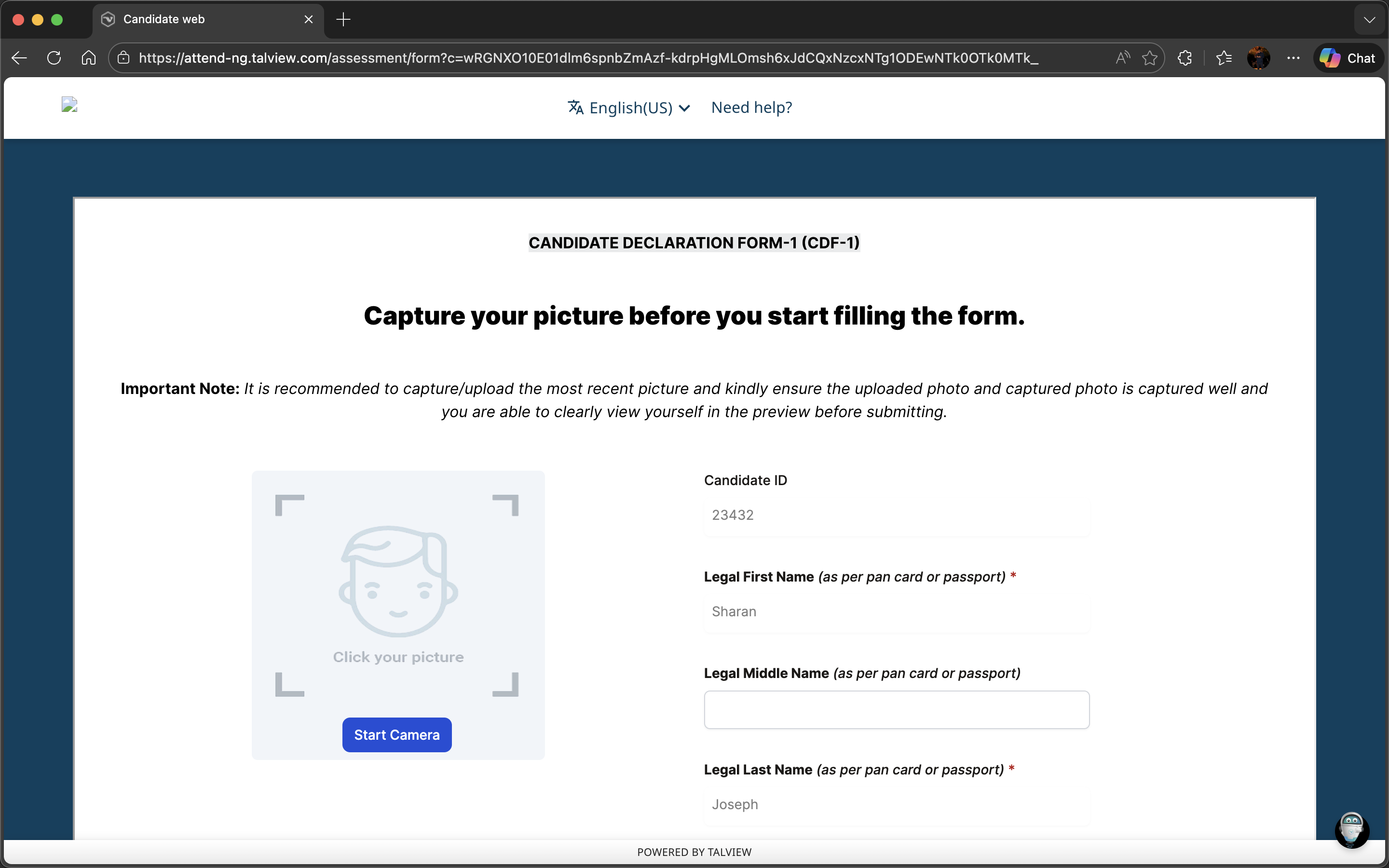
4. Evaluation form on Workflow tools application
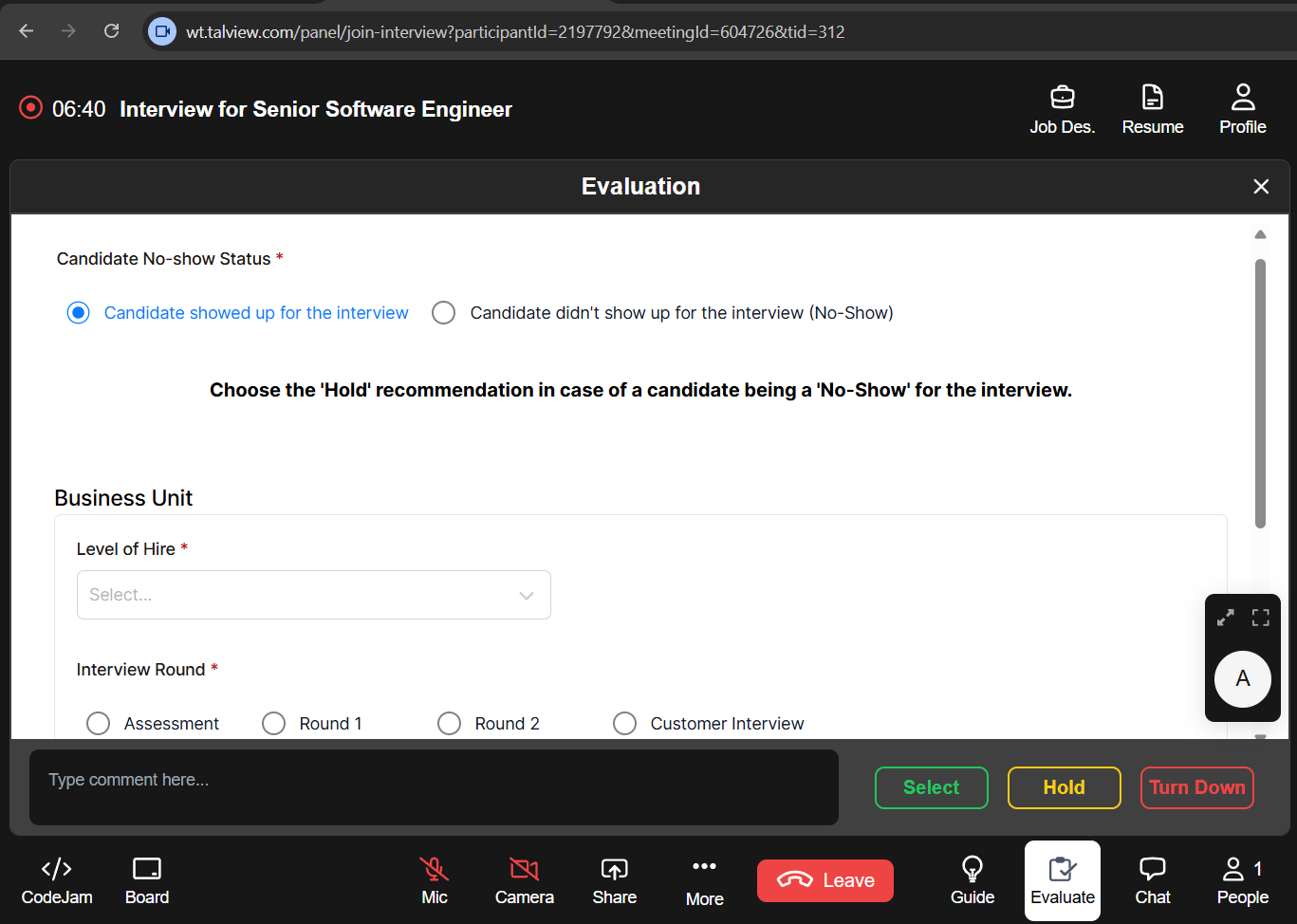
5. Evaluation form on workflow tools application (Mobile view)
6. Evaluation form on the Recruit web application
7. Evaluation form on the Recruit (Mobile view)