> ## Documentation Index
> Fetch the complete documentation index at: https://docs.talview.com/llms.txt
> Use this file to discover all available pages before exploring further.
# How to activate or deactivate a center
Center administrators may sometimes need to temporarily stop or resume operations at a center. You can activate or deactivate a center from the **Center Overview** page to control whether the center is available for exam scheduling.
This article explains how to activate or deactivate a center to manage its operational status.
***
### Step-by-Step Guide
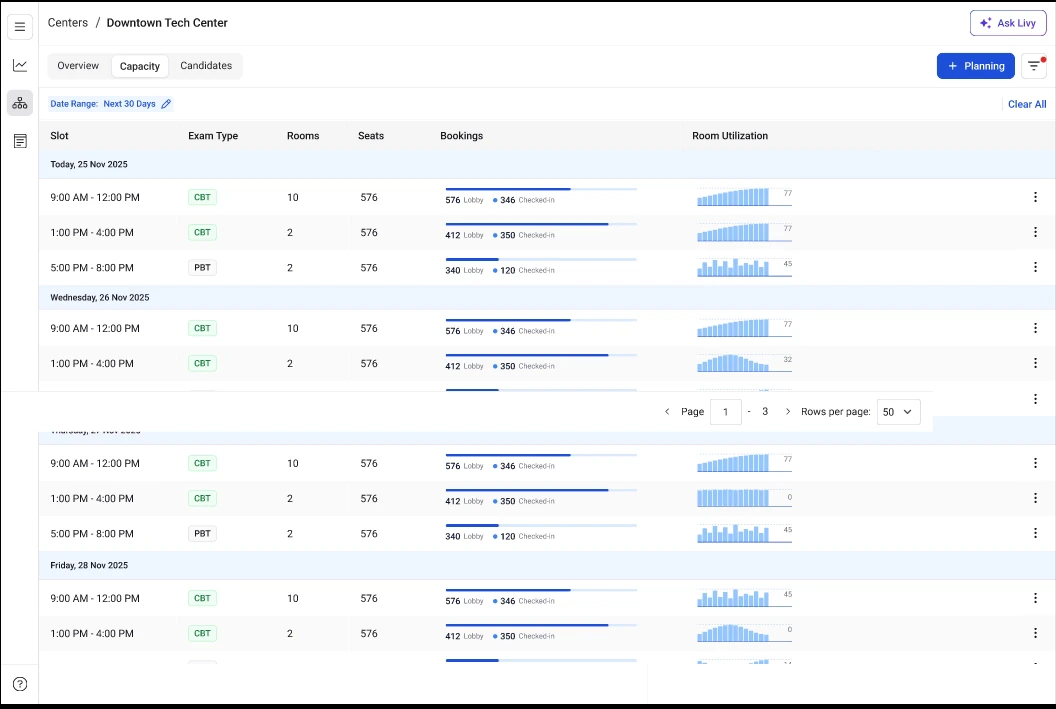 **1. Locate the center you want to modify**
Use the **search bar** or scroll through the list to find the center whose status you want to update.
**2. Open the Center Overview page**
Click the **center name** to open the **Center Overview** page.
This page displays the configuration and operational details for that center.
**3. Locate the center status option**
At the top of the overview page, next to the **center name**, locate the **Edit** icon associated with the center status.
**4 Open the status selection window**
Click the **Edit** icon to open the status selection modal.
**5. Select the desired status**
Choose one of the following options:
* **Active** – The center is available for scheduling exams.
* **Inactive** – The center is temporarily unavailable for scheduling.
**6. Confirm the status change**
Confirm the update to apply the new status.
Once saved, the center status updates immediately, and the new status is reflected across the center management dashboard.
**Additional Tips**
* Deactivating a center prevents **new exam slots and bookings** from being scheduled at that location.
* Existing exam records and historical data remain available even if the center is deactivated.
* If **future exam slots already exist**, review them to ensure they align with the updated center status.
* Only users with **center administrator permissions** can change the center status.
**1. Locate the center you want to modify**
Use the **search bar** or scroll through the list to find the center whose status you want to update.
**2. Open the Center Overview page**
Click the **center name** to open the **Center Overview** page.
This page displays the configuration and operational details for that center.
**3. Locate the center status option**
At the top of the overview page, next to the **center name**, locate the **Edit** icon associated with the center status.
**4 Open the status selection window**
Click the **Edit** icon to open the status selection modal.
**5. Select the desired status**
Choose one of the following options:
* **Active** – The center is available for scheduling exams.
* **Inactive** – The center is temporarily unavailable for scheduling.
**6. Confirm the status change**
Confirm the update to apply the new status.
Once saved, the center status updates immediately, and the new status is reflected across the center management dashboard.
**Additional Tips**
* Deactivating a center prevents **new exam slots and bookings** from being scheduled at that location.
* Existing exam records and historical data remain available even if the center is deactivated.
* If **future exam slots already exist**, review them to ensure they align with the updated center status.
* Only users with **center administrator permissions** can change the center status.