> ## Documentation Index
> Fetch the complete documentation index at: https://docs.talview.com/llms.txt
> Use this file to discover all available pages before exploring further.
# How to access the search command palette in the In-Center platform
In Talview's In-Center platform, you can use the keyboard shortcut **Ctrl+K** (Windows) or **Cmd+K** (Mac) to open the search command palette and quickly take actions on your current screen without navigating through menus.
In this article, you will learn how to use this shortcut across different sections of the Center Management module.
***
## Step-by-step guide
**A. Use the shortcut on the Centers page**
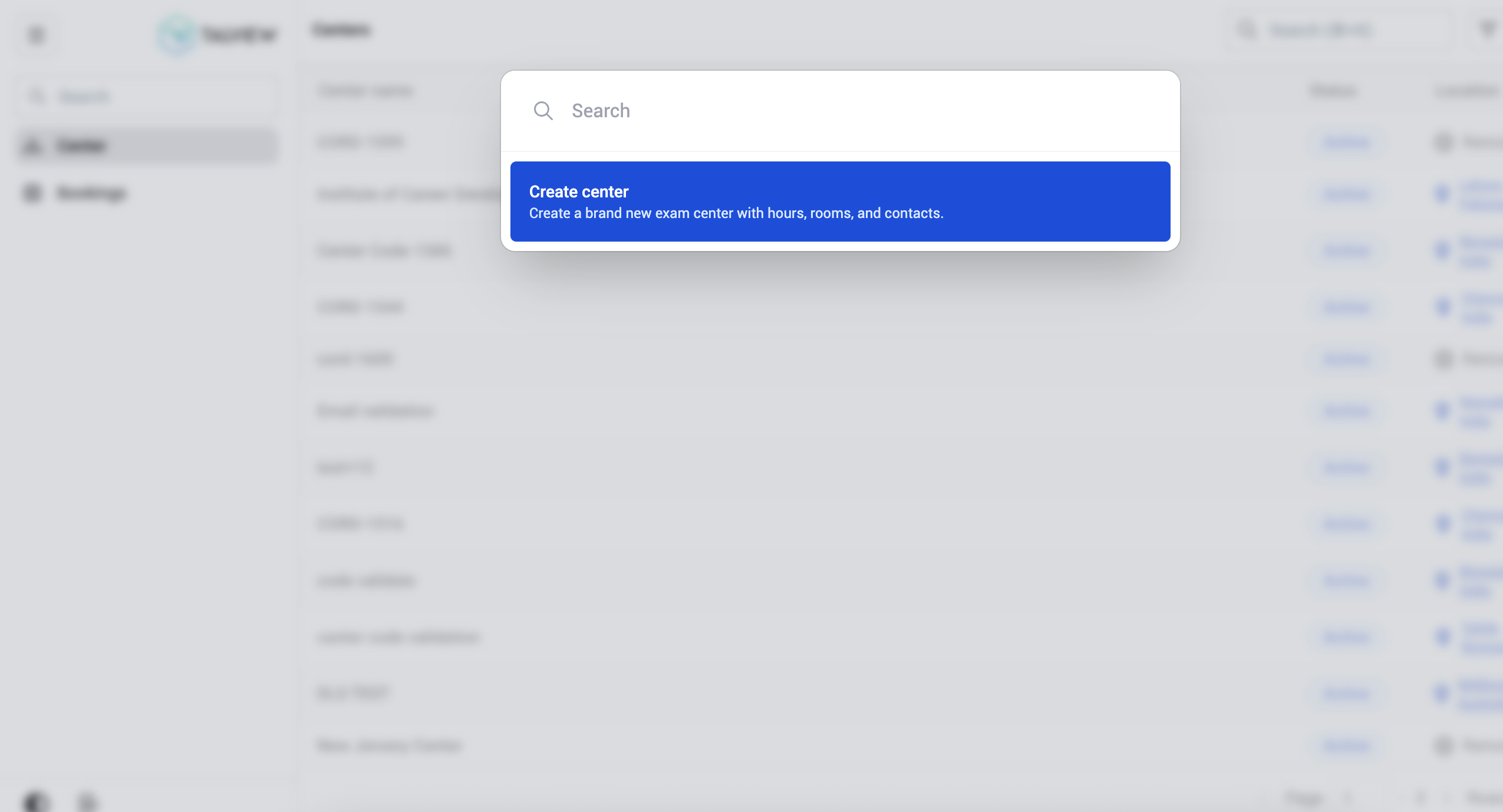 1. Go to **Centers** in the left navigation panel.
2. Press **Ctrl+K** / **Cmd+K**.
3. The command menu displays the option **Create center -** *Create a brand new exam center with hours, rooms, and contacts.*
4. Click **Create center** to proceed, or type in the search bar to filter available actions.
**B. Use the shortcut within a center**
1. Go to **Centers** in the left navigation panel.
2. Press **Ctrl+K** / **Cmd+K**.
3. The command menu displays the option **Create center -** *Create a brand new exam center with hours, rooms, and contacts.*
4. Click **Create center** to proceed, or type in the search bar to filter available actions.
**B. Use the shortcut within a center**
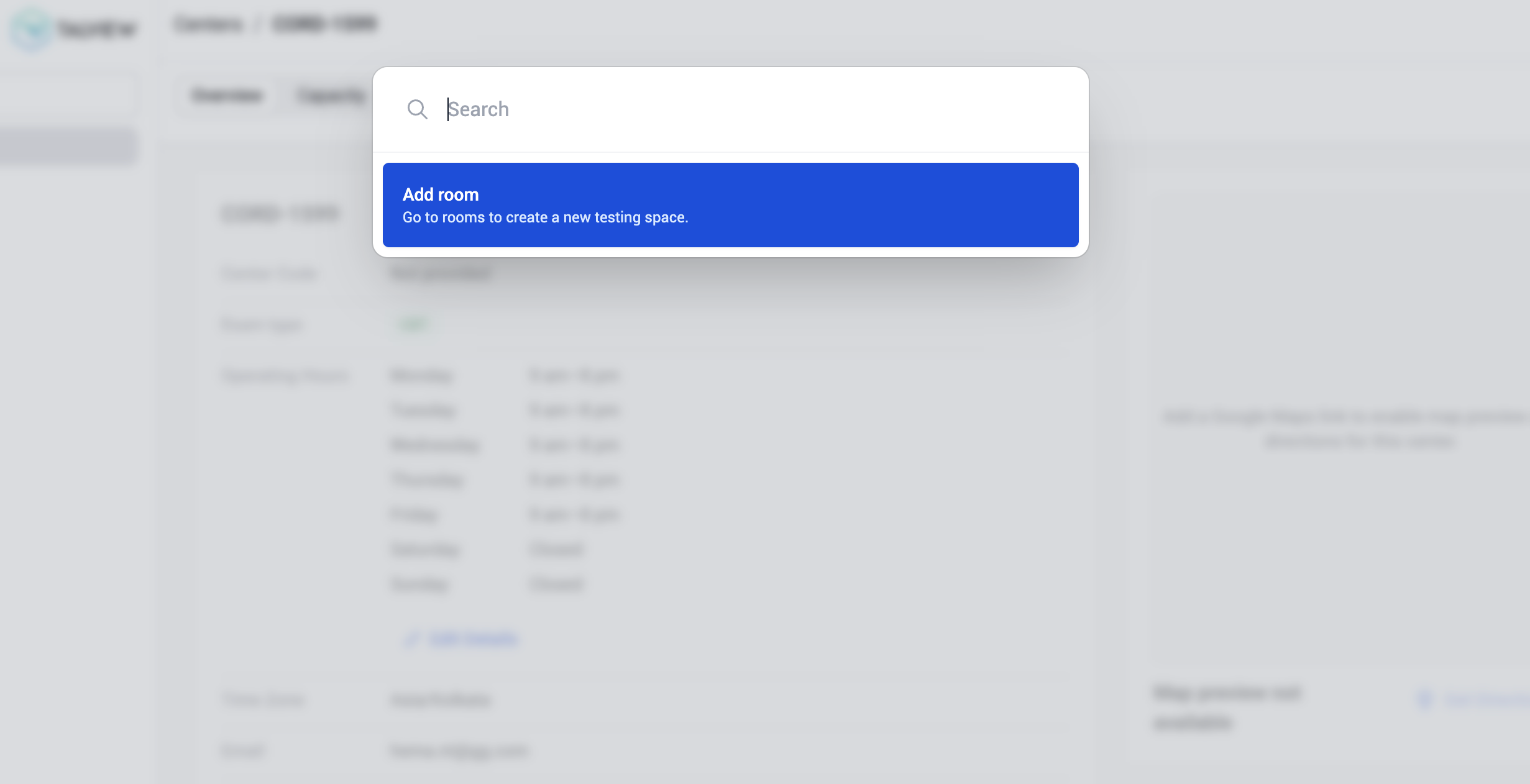 1. Open a center by clicking its name from the Centers list.
2. Press **Ctrl+K** / **Cmd+K**.
3. The command palette displays the option **Add room** — *Go to rooms to create a new testing space.*
4. Click **Add room** to be directed to the Rooms section where you can create a new testing space.
***
**Additional tips**
* The command palette is context-aware, the actions it shows depend on which page you're currently on.
* You can type keywords in the search bar within the command palette to quickly find a specific action.
* This shortcut works across all major sections of the Center Management module.
1. Open a center by clicking its name from the Centers list.
2. Press **Ctrl+K** / **Cmd+K**.
3. The command palette displays the option **Add room** — *Go to rooms to create a new testing space.*
4. Click **Add room** to be directed to the Rooms section where you can create a new testing space.
***
**Additional tips**
* The command palette is context-aware, the actions it shows depend on which page you're currently on.
* You can type keywords in the search bar within the command palette to quickly find a specific action.
* This shortcut works across all major sections of the Center Management module.